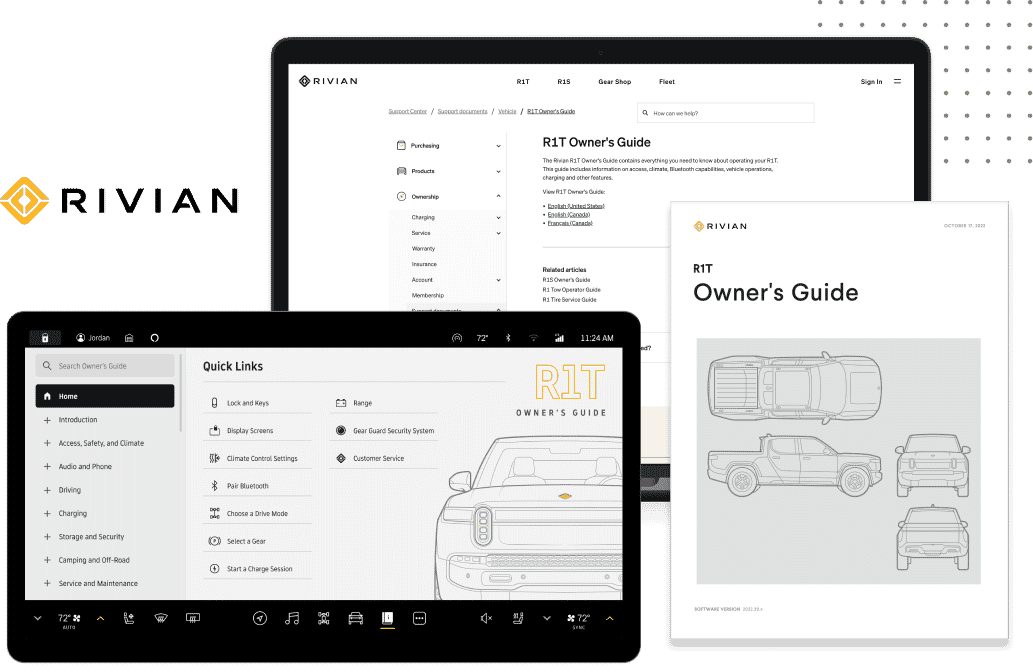
So you want to put a YouTube video in your Flare topic. Seems like a pretty straightforward thing to do:
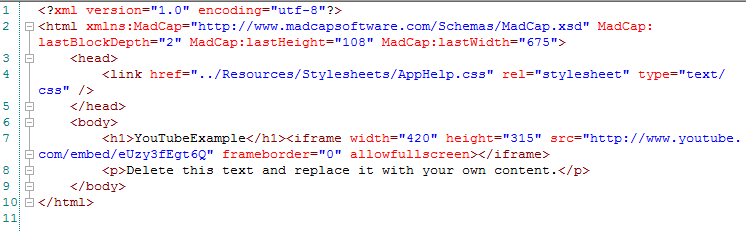
WAIT! NOT SO FAST!!! While this seems like it would work if you just stopped at step 4, there's still one teeny-tiny extra thing you need to do to make it work properly.
But first, a little background from Wikipedia:
In computer science, the Boolean or logical data type is a data type, having two values (usually denoted true and false), intended to represent the truth values of logic and Boolean algebra.
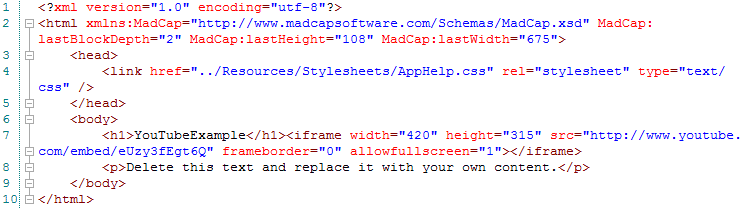
You'll notice that in the code you copied from YouTube, frameborder=0 and allowfullscreen seems to be missing its value. While Google (the owner of YouTube) is cool with the missing value, Flare is not.
All you need to do is adjust the code so that allowfullscreen=1. Your code should then look like this:
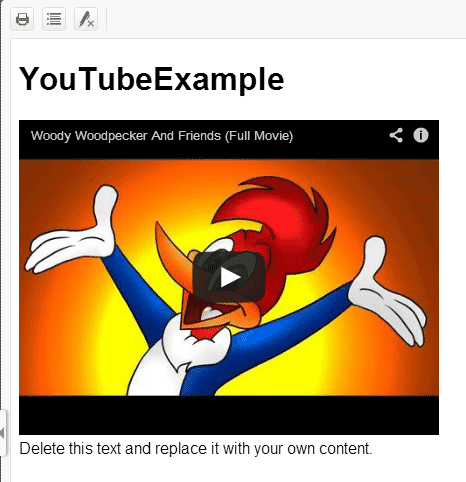
Now go to your target, build your output, and there's your YouTube video, embedded into your Flare topic!
Note: If you're having a tough time making this work, upgrade to Internet Explorer 10.