Deliver Technical Documentation That Keeps Pace with Your Products
Write once, publish everywhere. MadCap Flare’s single-source authoring and multichannel publishing features produce responsive HTML5 help sites, polished PDFs, and context-sensitive help from one project, so your documentation ships as fast as your software.

How Technical Documentation Teams Use MadCap Flare
50+
Deliverables
The Challenge: Capture institutional knowledge dispersed across employees and deliver it to customers and support teams across multiple Dayforce products.
The Solution: Adopted MadCap Flare for single-source authoring and publishing, and MadCap Flare Online for content analytics.
The Result: Migrated from Adobe® to MadCap Software for two products, then scaled to 50+ Help websites, knowledge bases, and tutorials across multiple technical communications teams.

520
Hours Saved Annually
The Challenge: Adobe® FrameMaker® could not keep pace with agile release cycles for testing documentation.
The Solution: Replaced FrameMaker® with MadCap Flare for HTML5, PDF, and video tutorial publishing.
The Result: Saved 520 hours in the first year, three full project months reclaimed for new content.

5 min
Max Publish Time
The Challenge: Updating member-facing policy and procedure documentation took over an hour per publish with the previous toolchain.
The Solution: Adopted MadCap Flare for unified authoring and direct publishing to web and print from a single source.
The Result: Cut publishing time from over an hour to no more than five minutes with Flare.


Technical documentation is the foundational deliverable of technical communication: responsive HTML5 help systems, self-service documentation portals, context-sensitive in-product help, and web-based documentation sites for software, hardware, and hybrid products. It is the use case most teams adopt Flare to solve, and the one with the deepest body of customer evidence behind it. Flare pairs XML topic-based authoring with multichannel publishing, built-in search, intuitive navigation, context-sensitive help calls, version control, and Flare Online collaboration so a one-writer team or a multi-writer team ships the same polished result.
Everything You Need to Deliver World-Class Technical Documentation

Responsive HTML5 Output
Publish documentation as responsive HTML5 sites with built-in search, table of contents, and breadcrumbs that adapt seamlessly to desktops, tablets, and phones.

Single-Source Publishing
Author content once and publish to HTML5, PDF, Word, and PowerPoint®. Condition tags and variables let you generate audience-specific outputs without maintaining duplicate files.

Micro Content and Search
Create question-and-answer pairs that surface as featured snippets in search results. Synonyms, weighting, and auto-complete (with optional Elasticsearch integration) help users find answers instantly.

Context-Sensitive Help
Map help topics directly to application screens so users see the right documentation at the right moment, embedded within your product’s interface.
AI-Ready Authoring
Flare’s XML topic structure and micro content blocks produce machine-readable documentation optimized for AI search, chatbots, and retrieval-augmented generation. Pair with MadCap Flare Online to generate topic drafts, rewrite content for clarity, and create content using AI Assist.

Branded Help Portals
Design documentation sites that match your product’s look and feel. Customize colors, navigation, headers, and layouts with full CSS and skin control.

Variables and Conditions
Manage product names, version numbers, and audience-specific content with variables and condition tags that generate tailored outputs automatically.

Content Analytics
With MadCap Flare Online, track search queries, topic views, and failed searches in your HTML5 output to identify content gaps and prioritize updates that reduce support volume.

Legacy Tool Migration
Import existing content from Word, FrameMaker®, RoboHelp®, Confluence®, DITA systems, and more. Flare converts legacy files into structured topics automatically.


MadCap Flare Resources for Technical Documentation

Videos & Tutorials
Watch tutorials covering HTML5 output, single-source publishing, micro content, search configuration, and everything you need to deliver technical documentation with Flare.
Watch Videos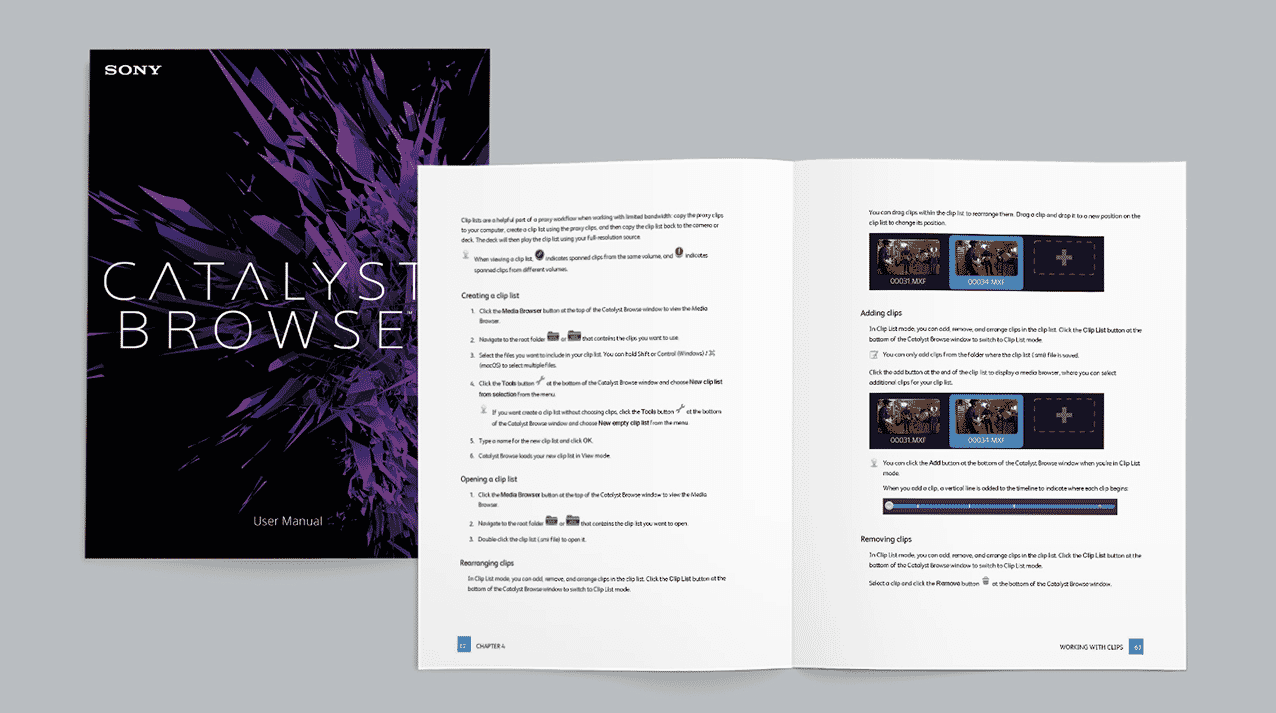
Customer Showcase
Explore real-world help systems, documentation portals, and knowledge bases built with MadCap Flare by organizations across industries worldwide.
Browse Showcase
Product Overview
Discover MadCap Flare’s full capabilities for responsive output, content reuse, AI-powered authoring, cloud collaboration, and multi-format publishing.
Learn MoreFrequently Asked Questions
MadCap Flare is a professional authoring and publishing tool that enables technical writers to create structured, topic-based documentation and publish it to responsive HTML5 help sites, PDF, Word, and other formats from a single source. Organizations use Flare to eliminate content duplication, accelerate publishing cycles, and deliver consistent documentation across products and audiences.
MadCap Flare Online is a cloud-based companion that enables browser-based authoring, review, and publishing on the same Flare projects. For enterprise-scale documentation programs, MadCap IXIA CCMS adds centralized content management, workflow automation, and component-level reuse across teams and products.
Yes. Flare includes built-in importers for Microsoft® Word, Adobe FrameMaker®, HTML, DITA, Microsoft® Excel, Confluence®, and Markdown content, plus proven migration paths from RoboHelp® and Author-it®. Dozens of published MadCap case studies document successful migrations from legacy tools, including Tricentis, which saved 520 hours of project time after replacing FrameMaker®.
Flare is built for enterprise scale. SimCorp manages over 450,000 topics and 180 user guides from a single Flare project. Features like global project linking, batch builds, and Git integration let distributed teams collaborate in parallel across large content sets.
Customers consistently report dramatic time savings. Verint cut publishing time from hours to seconds, Tricentis saved three project months annually after replacing FrameMaker®, and Hewlett Packard Enterprise cut project build times from 30+ minutes to under 10 minutes. Single-source publishing eliminates duplicate content, and Flare’s search analytics help find content gaps and prioritize updates that directly reduce support ticket volume.
Ship Technical Documentation Faster with MadCap Flare
Start your free trial and deliver responsive HTML5 help sites, polished PDFs, and context-sensitive help from a single source, no duplicate content, no reformatting.














