Sites (4 of 6): Setting Sites as Private in MadCap Central
In this video, you will learn how you can limit the audience for outputs by setting up teams, associating them with sites, and setting the sites as private.
For Tech Docs:
MadCap Flare MadCap Flare Online MadCap IXIA CCMSFor Learning & Dev:
MadCap CreateBringing all of your content under one unified content and AI-Readiness platform:
MadCap SyndicateAICustomers
Customer Success Stories Customer List Why MadCap SoftwareShowcases
Customer Showcase Customer TestimonialsThe World’s #1 Technical Authoring Platform
Enterprise-class DITA component content management system (CCMS)
The Enterprise Content Authoring Platform for Workforce Training and Enablement
A centralized delivery hub that powers intelligent content and knowledge experiences across every channel
Solutions for Your Content Team
Use Cases
Use Cases
Customers
Showcases
Featured Customer Success Story
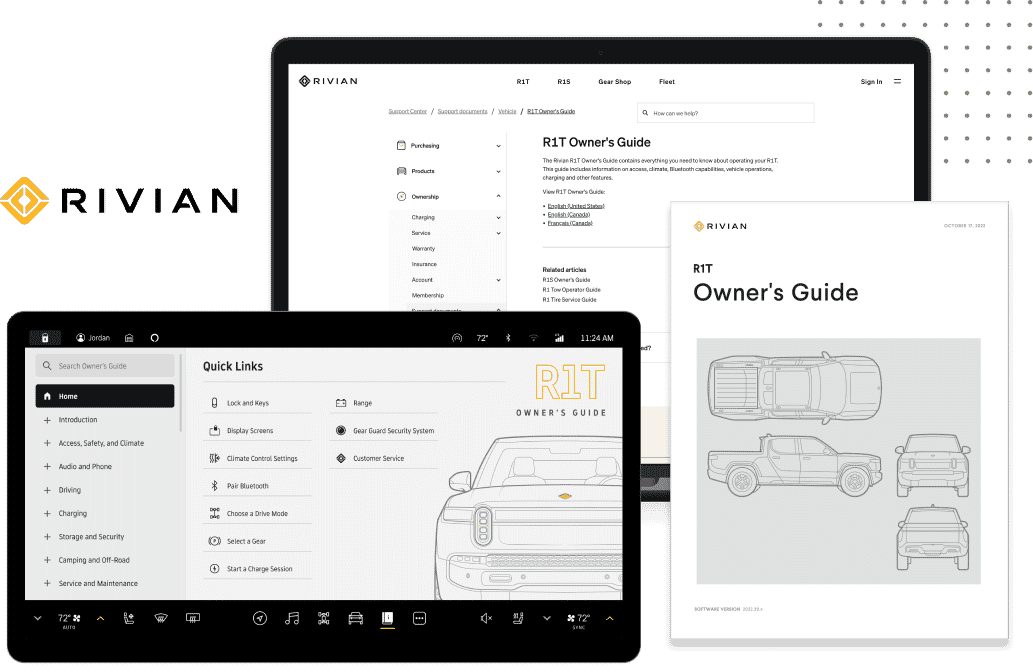
Rivian Uses MadCap Software to Embed Interactive Owner’s Guide in Vehicle’s Infotainment Dashboard
Learn
Train & Build
Connect
Translation
Trusted for flawless global localization and translation services.
View MadTranslations servicesIn this video, you will learn how you can limit the audience for outputs by setting up teams, associating them with sites, and setting the sites as private.
See: MadCap Flare Online Overview
More MadCap Flare Online Videos: Overview Videos | Shorties | Users and Teams | Projects and Builds | Tasks | Sites
Products
MadCap SyndicateAI MadCap Flare MadCap Flare Online MadCap IXIA CCMS MadCap Create MadCap Lingo MadCap Contributor PricingSubscribe to our monthly newsletter
Stay up to date on MadCap’s latest products, expert insights and resources—right in your inbox!