What’s New in MadCap Lingo 11 r3
MadCap Lingo adds a completely redesigned Start Page, source control enhancements, and a new command line activation option for enterprise licenses.

USABILITY
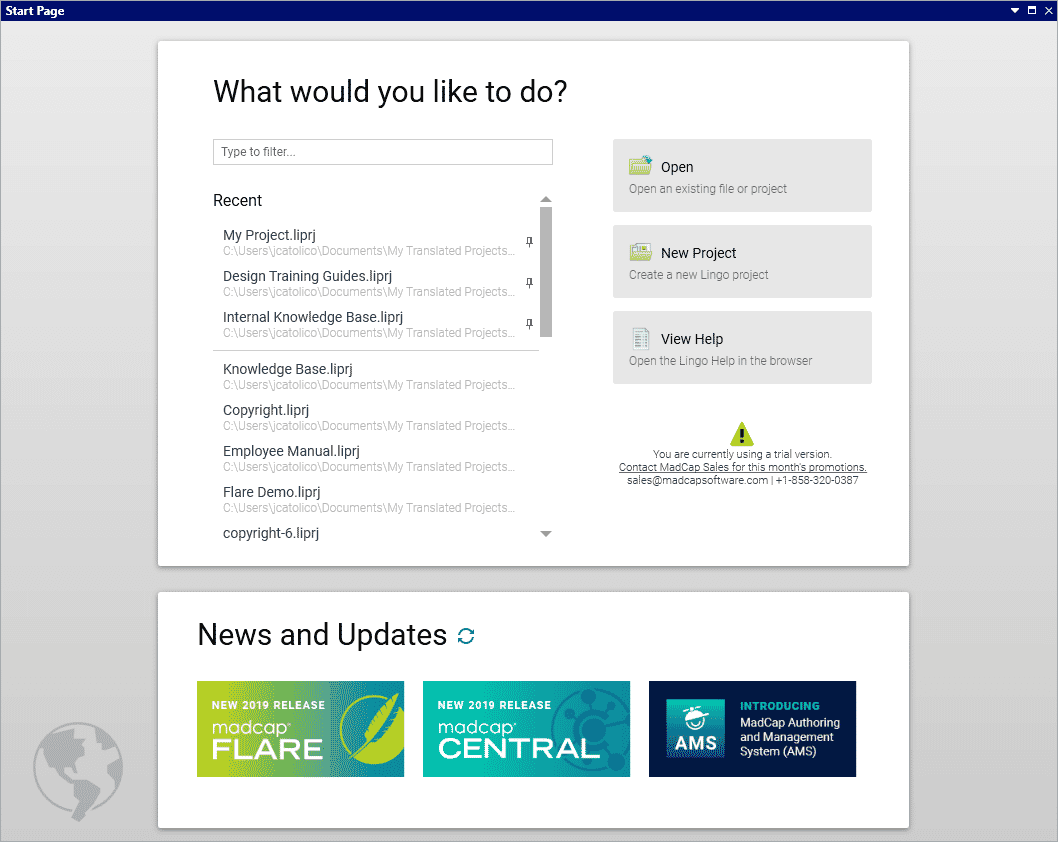
A Completely Redesigned Start Page
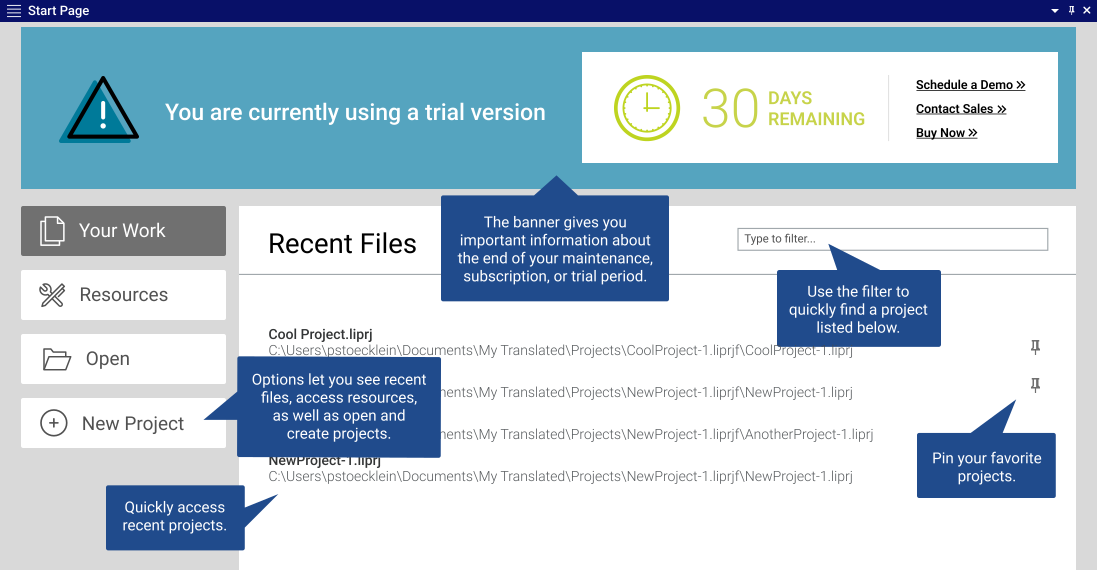
The Start Page has been completely redesigned for improved usability and quick access to recent projects and resources.
SOURCE CONTROL
Source Control Enhancements for Git
Manage your project easier with new source control enhancements for Git, and other source control providers.

New Shortcut Options in Status Bar

Know which branch is active, as well as whether changes need to be committed or synchronized.
Branch Management Dialog Enhancements
The Branch Management dialog now lets you see both local and remote Git branches. This means you can easily get remote branches that you don't yet have locally. Also, you can delete a branch either locally or remotely, or both.
Additional New Source Control Options
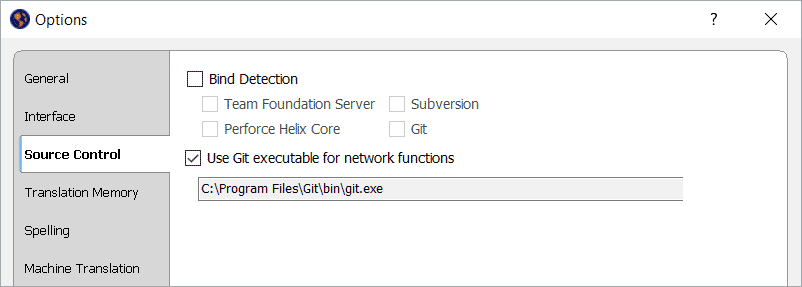
 Bind
Detection:
Bind
Detection:
Bind detection scans your project to see if it has been previously bound to source control.
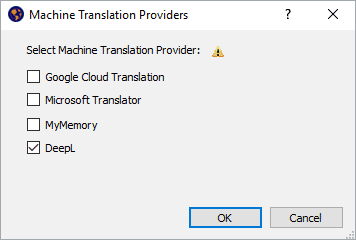
Disable
Providers:
You can now disable the source control provider within MadCap Lingo, removing the UI elements of the source control provider.
Note: You can still perform source control functions from a 3rd-party tool outside of the application if the project is bound.
Unbind
Providers:
You can now disable the source control provider within MadCap Lingo, removing the UI elements of the source control provider.
ENTERPRISE LICENSES
Command Line Activation
For enterprise licenses, you can now activate (or deactivate) the application using the command line. This can be helpful if you are using imaged machines that cannot activate MadCap Lingo from the user interface.
Start Your Free 30-Day Trial of MadCap Lingo Now
Advanced computer-aided translation (CAT) management for technical authors, documentation teams and translators.
MADCAP LINGO 11 R2 RELEASE
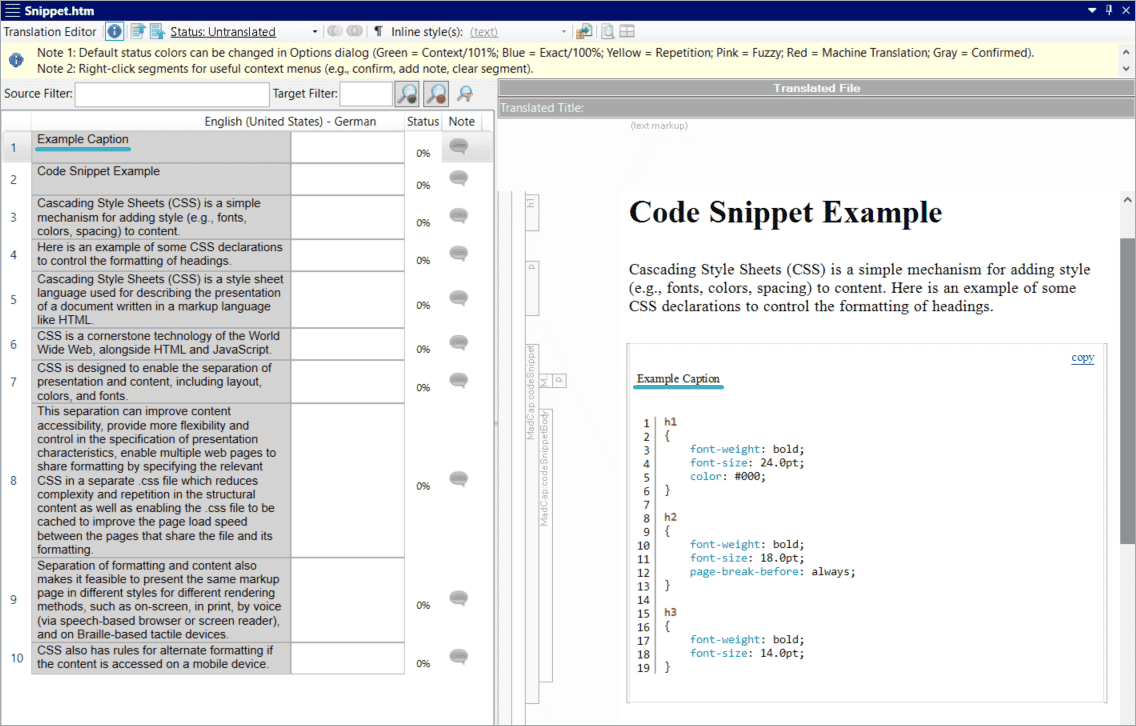
New Support for Code Snippets from MadCap Flare 2020
MadCap Flare 2020 introduced a new Code Snippet Editor to easily create and insert code snippets into your documentation in dozens of coding languages, such as JavaScript and CSS. You can now use MadCap Lingo to translate code snippet captions from your Flare projects, as well as view a preview for code snippets in the file preview pane.
Enhancements to Find and Replace
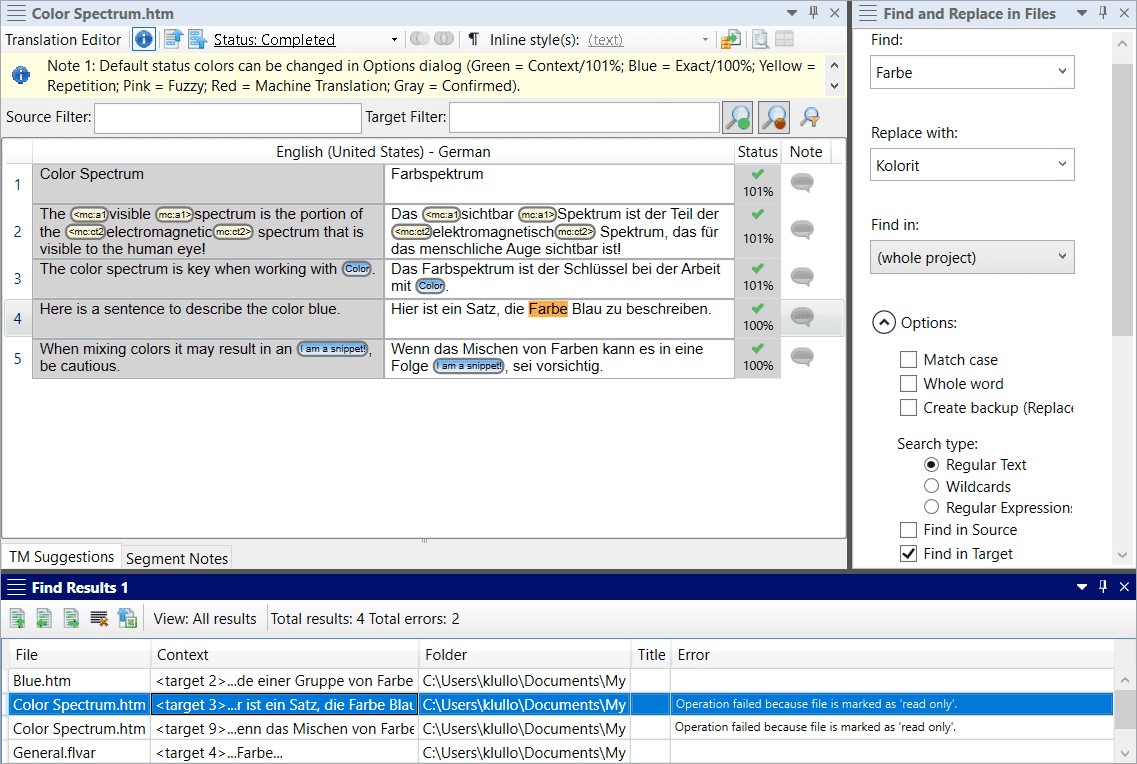
New enhancements to Find and Replace include the ability to switch views between all results or first result per file, as well as a new column to show any issues that occurred from replace actions.
New Git for Windows Integration
Git Support in MadCap Lingo now integrates with Git for Windows to provide improved performance for network related functions such as Pull, Push, Import and Sync.