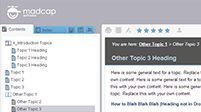
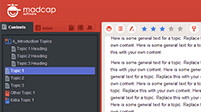
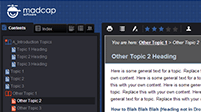
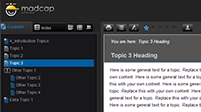
Tripane HTML5 Skins for MadCap Flare
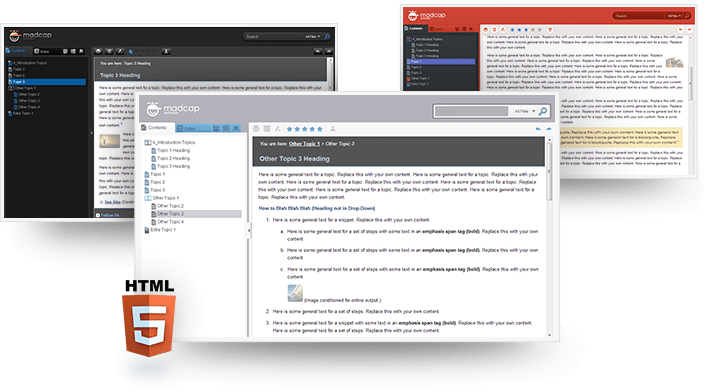
How to Set Up Your New Tripane HTML5 Skins
Give your Flare (version 10.0 or newer) web output a new look by updating its skin. To add one of the skins below, please follow these steps:
- Step 1: Download one of the skins below or download all skins here.
- Step 2: Extract the Flare skin file(s) from the zip file.
- Step 3: From within Flare, select the Add Skin item on the Project menu.
Note: The MadCap Software logo acts as a placeholder only. Any company logo can be inserted in its place.