














Documentation for Any Audience, Language or Format

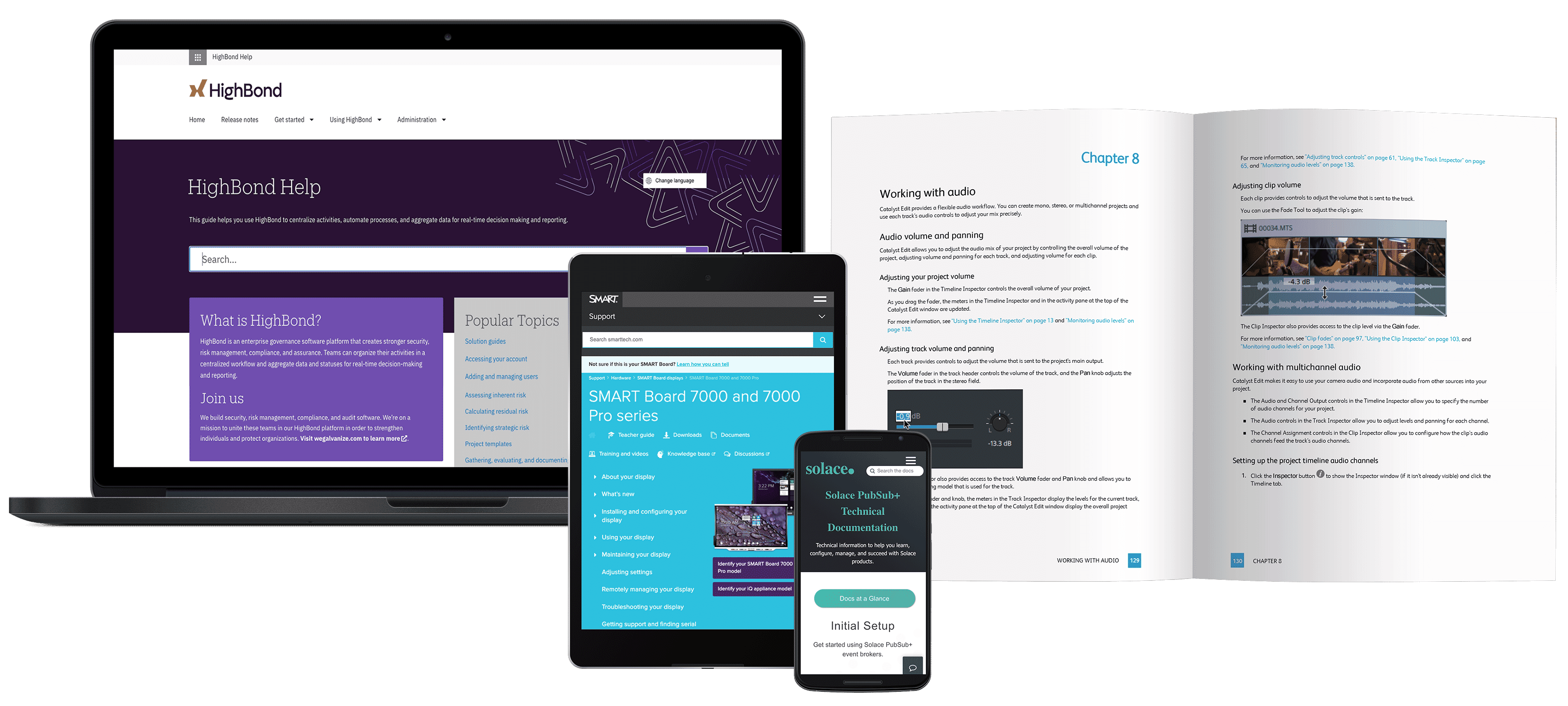
Whether you need to create technical documentation for online Help, software documentation, policy & procedure manuals, knowledge bases or user guides, MadCap Flare allows you to create, manage and publish content to a variety of formats, including print, online, desktop and mobile.

Watch Video: An Overview of MadCap Flare

Learn why MadCap Flare is the perfect tool for technical communication, whether you need to publish content to web, desktop, print, or to mobile devices.

MadCap Flare Overview Video

Watch Video

Video

What's New in Flare 9

Video

Meet Flare

More MadCap Flare Videos

What's New in Flare 9


  • Native Right-to-Left Language Support

    Native Right-to-Left Language Support

    With native authoring and publishing for right-to-left (RTL) languages, Flare provides you with a true global solution.

    RTL language support includes:

    View More
    Right-to-Left Language Support Details
  • Socially-enabled Documentation with MadCap Pulse

    Socially-enabled Documentation

    Add a social layer to your documentation to improve engagement with customers, build communities and foster the sharing of information using
    MadCap Pulse.

    View More
    MadCap Pulse Advanced Features

    MadCap Pulse includes advanced features to help you maximize the value of social collaboration and enhance the quality of your documentation, including:

    • User Profiles
    • Activity Feed
    • Commenting and “Likes”
    • Tagging
    • Topic Rating
    • Comment Ranking
    • Following
    • File Sharing
    • Notifications
    • And more
  • Topic Editor Enhancements

    Topic Editor Enhancements

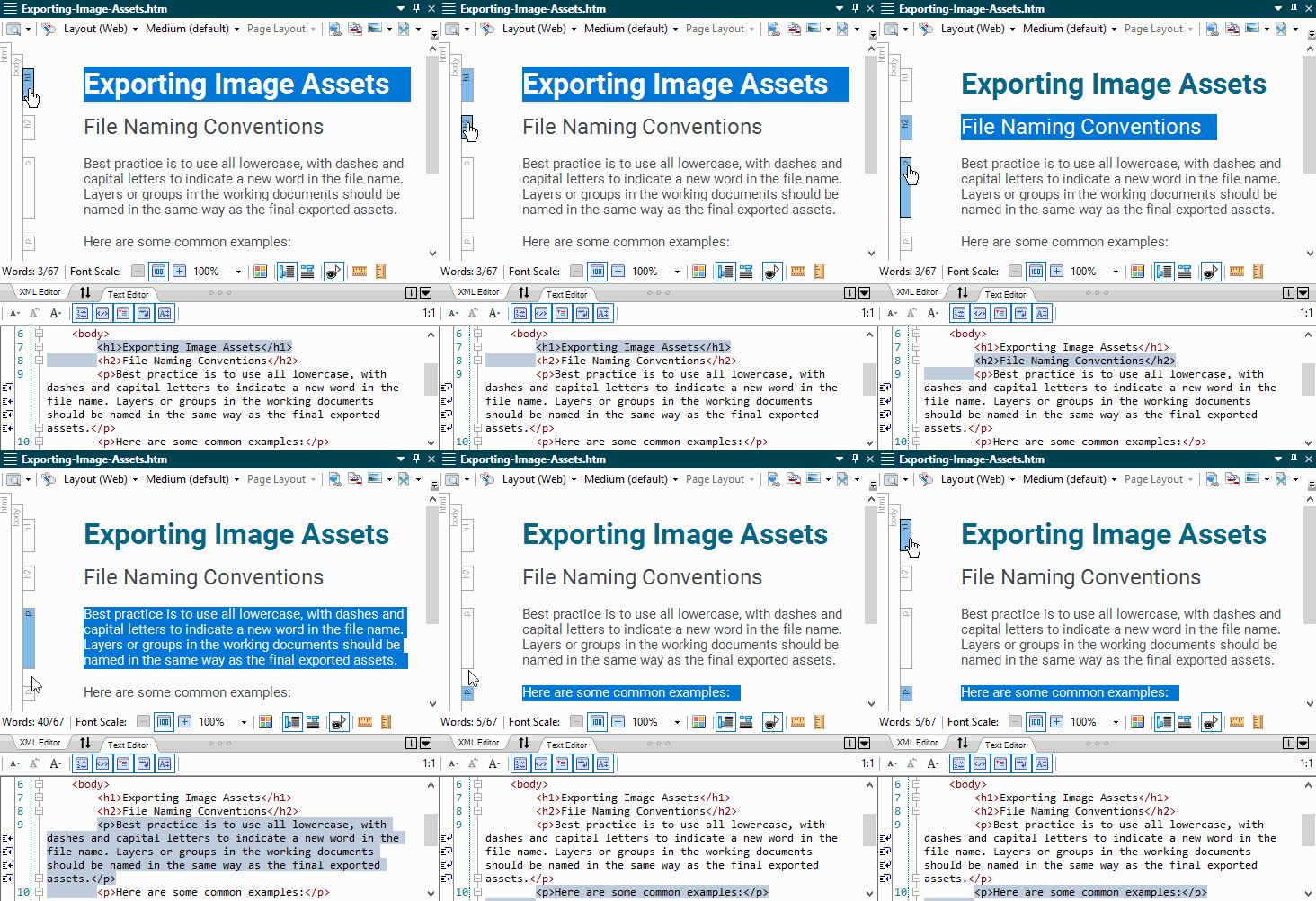
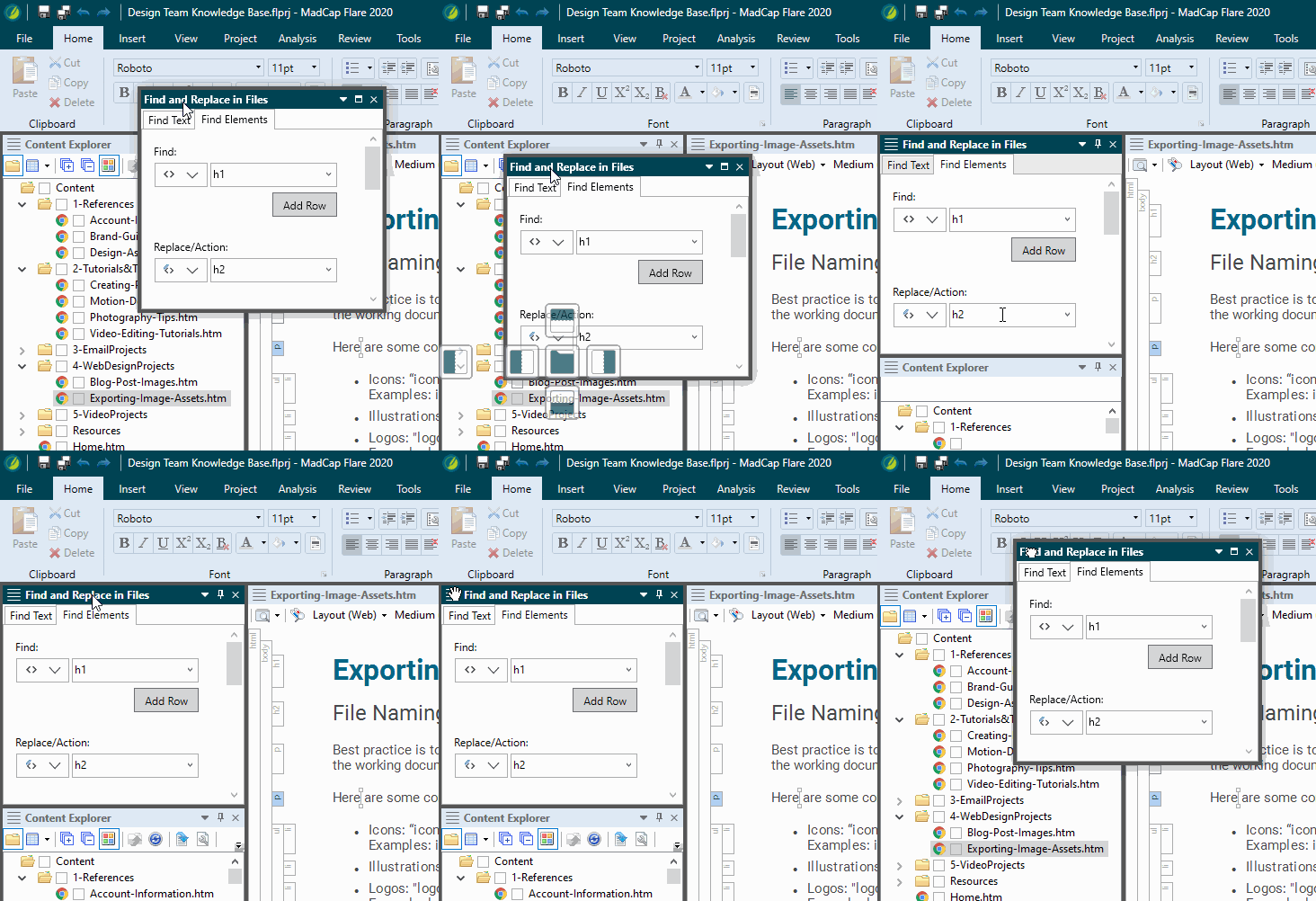
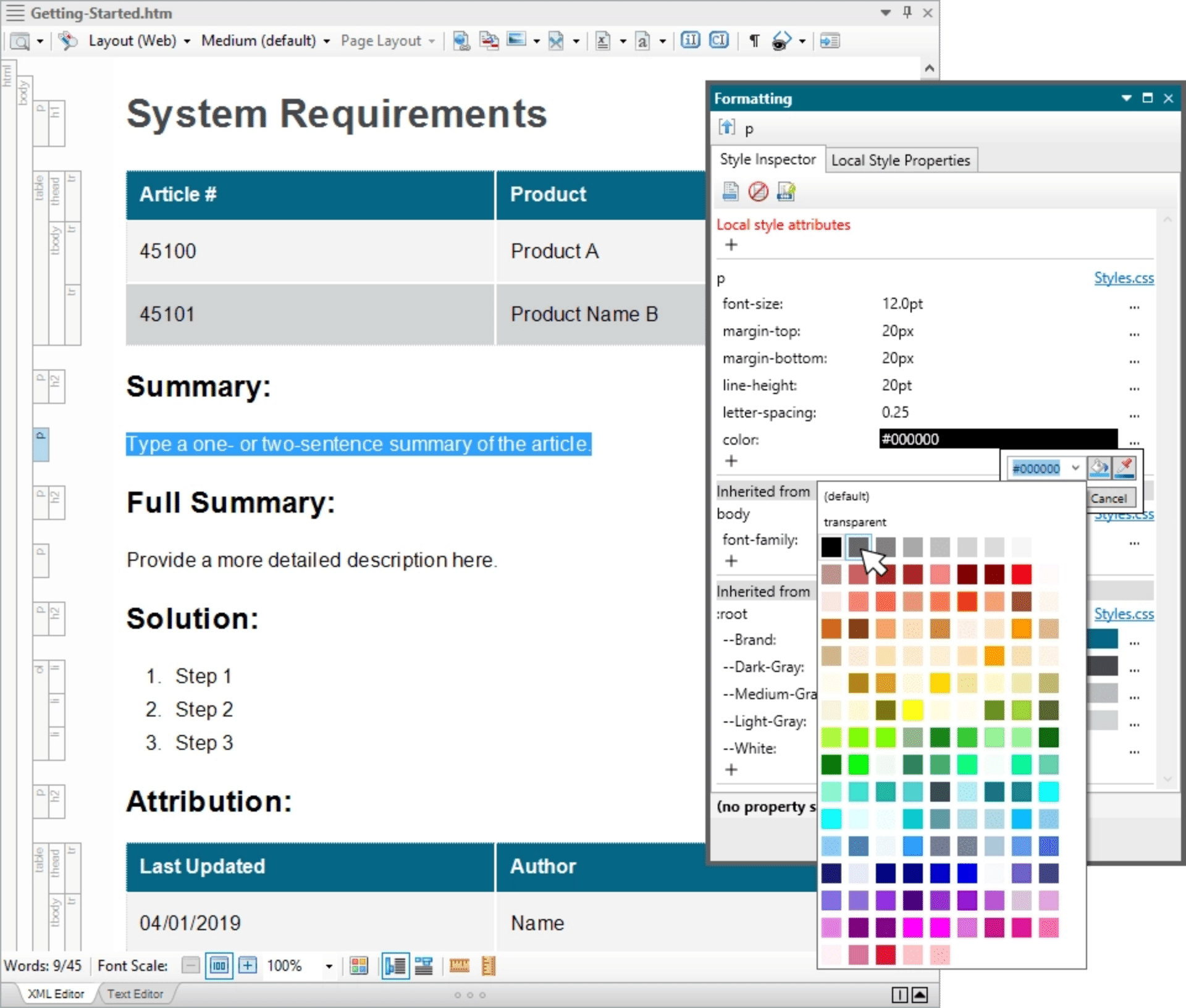
    A split-view editor setting allows authors to see both XML code and the WYSIWYG editor in real time, plus:

    • Horizontal and Vertical Orientation
    • Auto Complete
    • Syntax Coloring
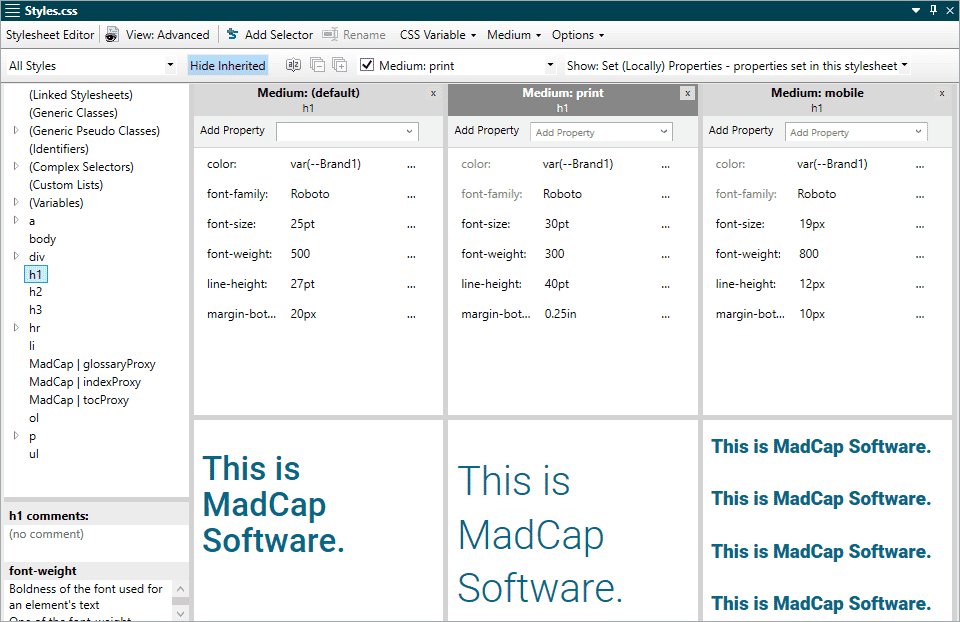
  • Advanced Print Improvements, including CMYK Support

    Advanced Print Improvements, including CMYK Support

    New print enhancements give added control to print-based outputs, including:

    • Page Layout Editor Improvements
    • Crop/Registration Marks
    • CMYK Support
    • Create First Pages on Left or Right Side
    • Built-in advanced print, web and mobile design templates
    View More
    Print Improvements Details

    Additional print layout features include bleeding, padding, margins and empty pages, among others.

    CMYK (Cyan, Magenta, Yellow, and Key—or black) color model, which is often the preferred model for print-based output, is now supported. Since Flare already supports the RGB (Red, Green, Blue) model that is primarily intended for electronic content, authors can now designate the color model most appropriate for their online and print content. Flare 9 also includes built-in web, print and mobile layout templates for authors to choose from without having to create design layouts from scratch.

  • Mobile Publishing, including ePub Output and WebHelp Mobile

    Mobile Publishing, including ePub Output and WebHelp Mobile

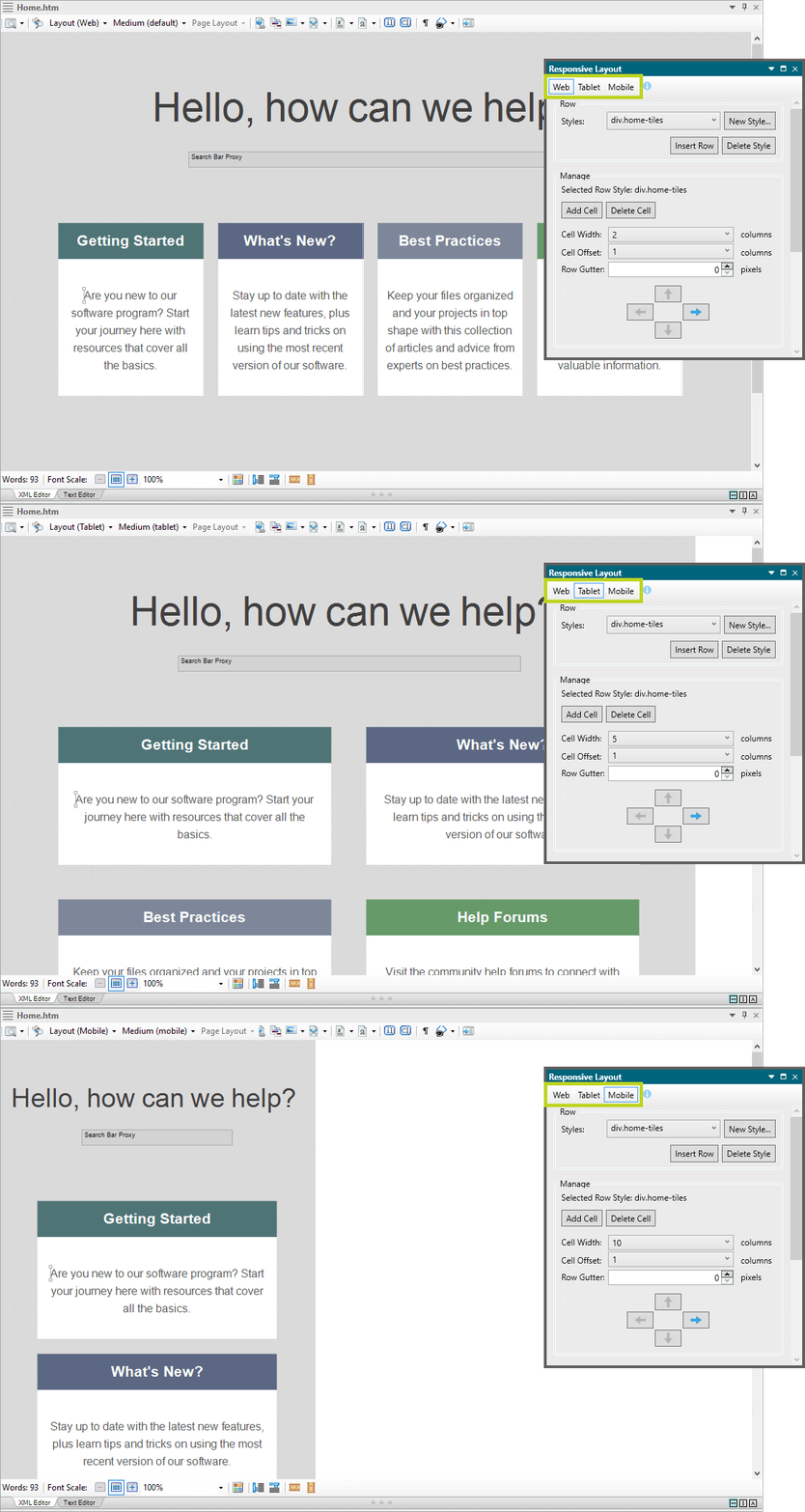
    Create eBooks (featuring EPUB3) for use on any mobile device, including iPads and Android devices, as well as online Help (WebHelp Mobile) optimized for smaller screens.

  • New File Support, including Microsoft® Office® 365

    New File Support, including Microsoft® Office® 365

    Added file import support allows authors to take advantage of more existing content than any other technical authoring tool available today.

    • Word for Microsoft® Office® 365
      • Word installation not required
    • Adobe® FrameMaker® 11
    • Plus Adobe® RoboHelp® import improvements
  • Enhanced Import Support for FrameMaker® Projects

    Enhanced FrameMaker® Import

    Master Pages Automatically Converted to Page Layouts

    FrameMaker® master pages are now automatically converted to a page layout in your Flare project. You can use the page layouts to configure pages for print-based output. You can then create chapter breaks and assign these page layouts to different topics in the output.

    FrameMaker® Images

    Images containing call-outs in FrameMaker® files are now preserved on import and can be further edited using MadCap Capture.

  • Bundled MadCap Capture Integration

    Bundled MadCap Capture Integration

    Our powerful screen capture software,
    MadCap Capture, now comes bundled with
    MadCap Flare — absolutely free. Maximize content reuse by applying the same rules used for text to screen shots and images. By adding variables to callouts and images for example, there's no need to recapture or reinsert images into your documentation when text or version changes are required.

  • Plug-in API

    Plug-in API

    A new plug-in API lets you integrate Flare with DLL files. Add your own customized ribbons, menus, toolbar buttons and more.

  • Controlled Language Support

    Controlled Language/Simplified Technical English Support

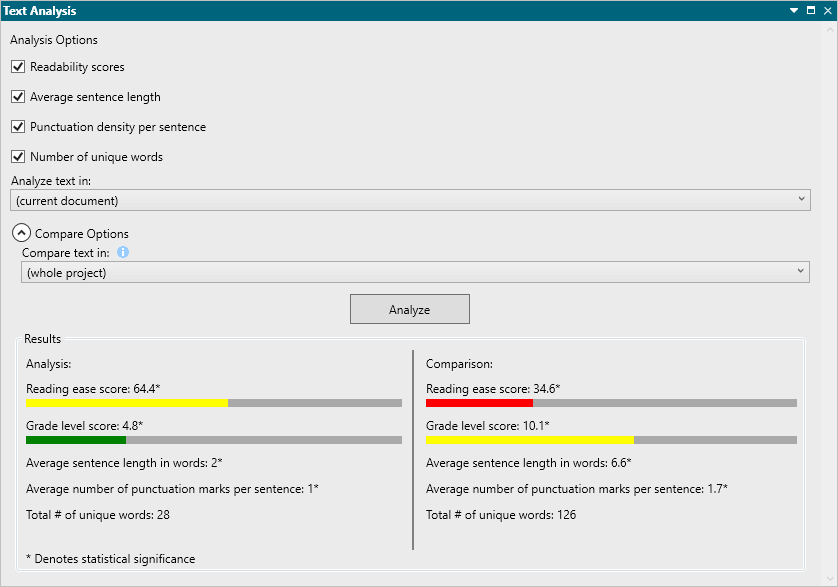
    Through the integration of MadCap’s API and HyperSTE, authors can use a standardized vocabulary and style to improve consistency, eliminate ambiguity and reduce complexity. Furthermore, authors can ensure compliance with corporate terminology and style guide rules using advanced interactive checker and quality measurement features.

    Learn More
  • Secure FTP Publishing

    Secure FTP Publishing

    A new level of security with support for the Secure FTP protocol (SFTP) when publishing output to a server.

Download the What's New Guide Download

Key Features


  • Next Generation HTML5 WebHelp

    A frameless HTML5 output is search engine-friendly, offers Google-style search results and display, and includes full topic URLS for better link sharing. Plus, you can add custom metadata to topics for improved search results.

    View More

    New HTML5 Output Features

    • Google-style search results and display
    • Frameless output for improved search engine crawling and ranking
    • Automated XML sitemap generation
    • Improved accessibility with screen readers (Section 508 and WCAG)
    • Topic-level metadata tag descriptions
    • Customizable design to match any existing website or portal
    • Topic URL paths displayed in browser for easy sharing
  • Free Review for Managers and Subject Matter Experts

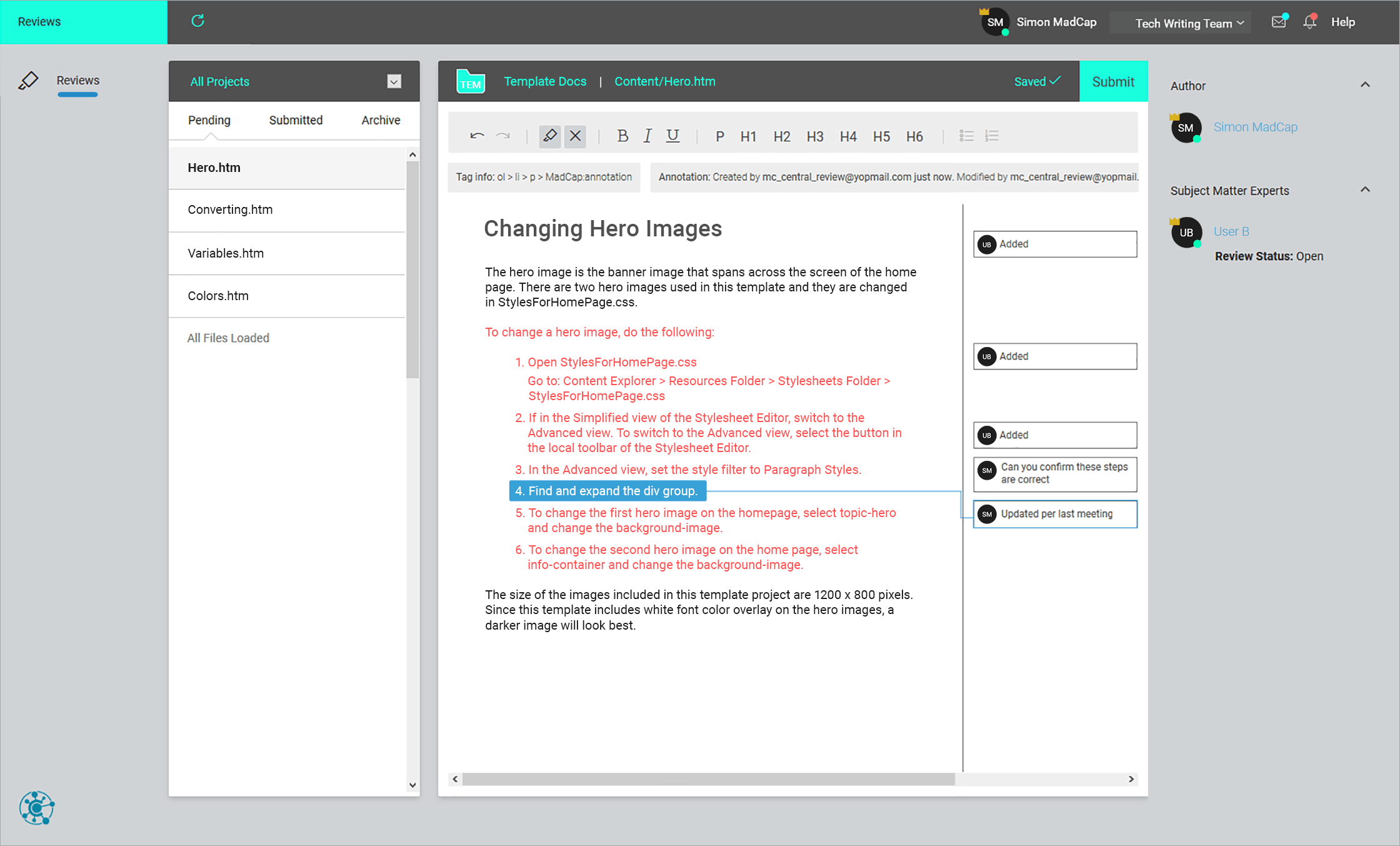
    Managers and subject matter experts can enjoy free review using annotation using MadCap Contributor.

    View More

    Free Review and Workflow Improvements

    • Send for Review from the TOC (includes the TOC in the review package)
    • Review packages can now be opened in Flare for review
    • MadCap Contributor: Free review mode
  • Leverage Existing Content

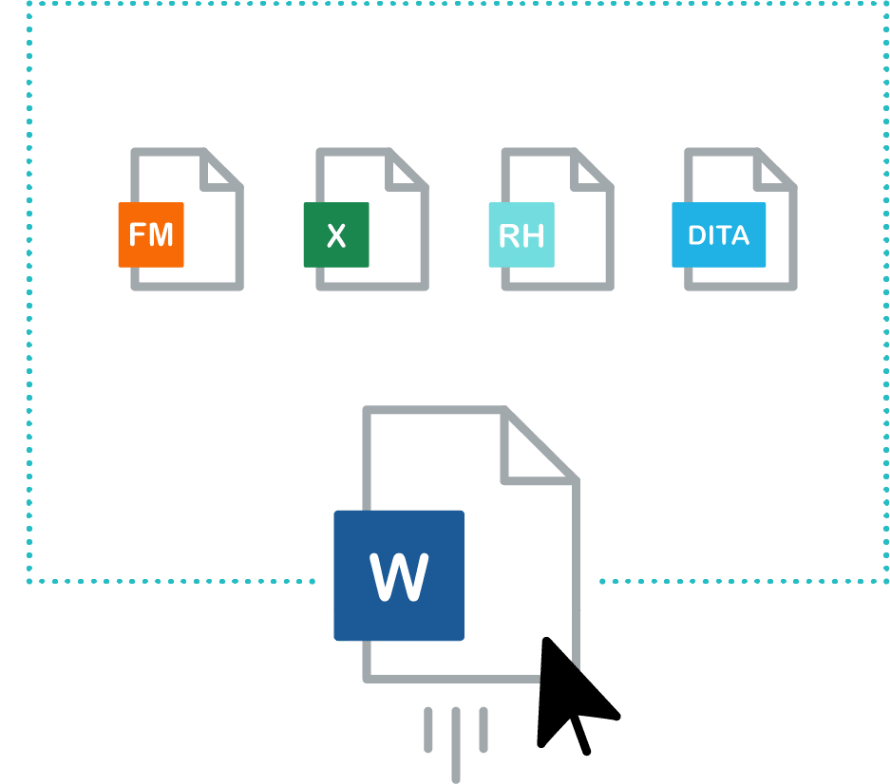
    Like many authors and organizations, you need to leverage hundreds and even thousands of existing documents created using other products. Flare's import process makes it easy to migrate a wide range of file types into your new XML-based authoring environment. Migrate legacy content from Adobe® RoboHelp™, Adobe® FrameMaker®, Microsoft® Word™, .CHM, DITA and many more. No coding knowledge or special skills required.

    View More

    To get the most out of your existing content and to make the transition as smooth as possible, MadCap has created support guides to help users get started.

    Understanding the Difference: Topic-based Authoring with MadCap Flare

    MadCap Flare utilizes topic-based authoring, rather than the chapter-based format of FrameMaker®. A Flare project typically will have more topics than chapters -- and understanding this difference should help you during import. If you are working with legacy files you did not author, it will be worth it to spend some time to familiarize yourself with the project.

    Importing Best Practices

    More than 30 best-practice conversion topics are discussed in the support guide -- covering everything from TOCs to graphics to style sheets. Of course, should you encounter any difficulties during your transition, you can contact one of our award-winning MadCap Technical Support team members to walk you through the process.

  • Authoring and Content Reuse

    Using Flare’s patented, visual XML editor, authors can enjoy the benefits of XML (extensible markup language) without any need for XML knowledge. With XML, content is separate from formatting and therefore allows the author to focus on content creation. The authoring process is further enhanced and streamlined using advanced topic-based authoring features that further allow for maximum content reuse and publishing to multiple deliverables and outputs.

    View More
    • Content changes are made universally from a single source and updated across projects for consistent, accurate documentation
    • Authors can focus on creating content instead of constantly formatting and reformatting
    • Projects and content are accurate and consistent across multiple deliverables and completed faster with far less content duplication
    • Create and design content efficiently using Flare's unique structure bars
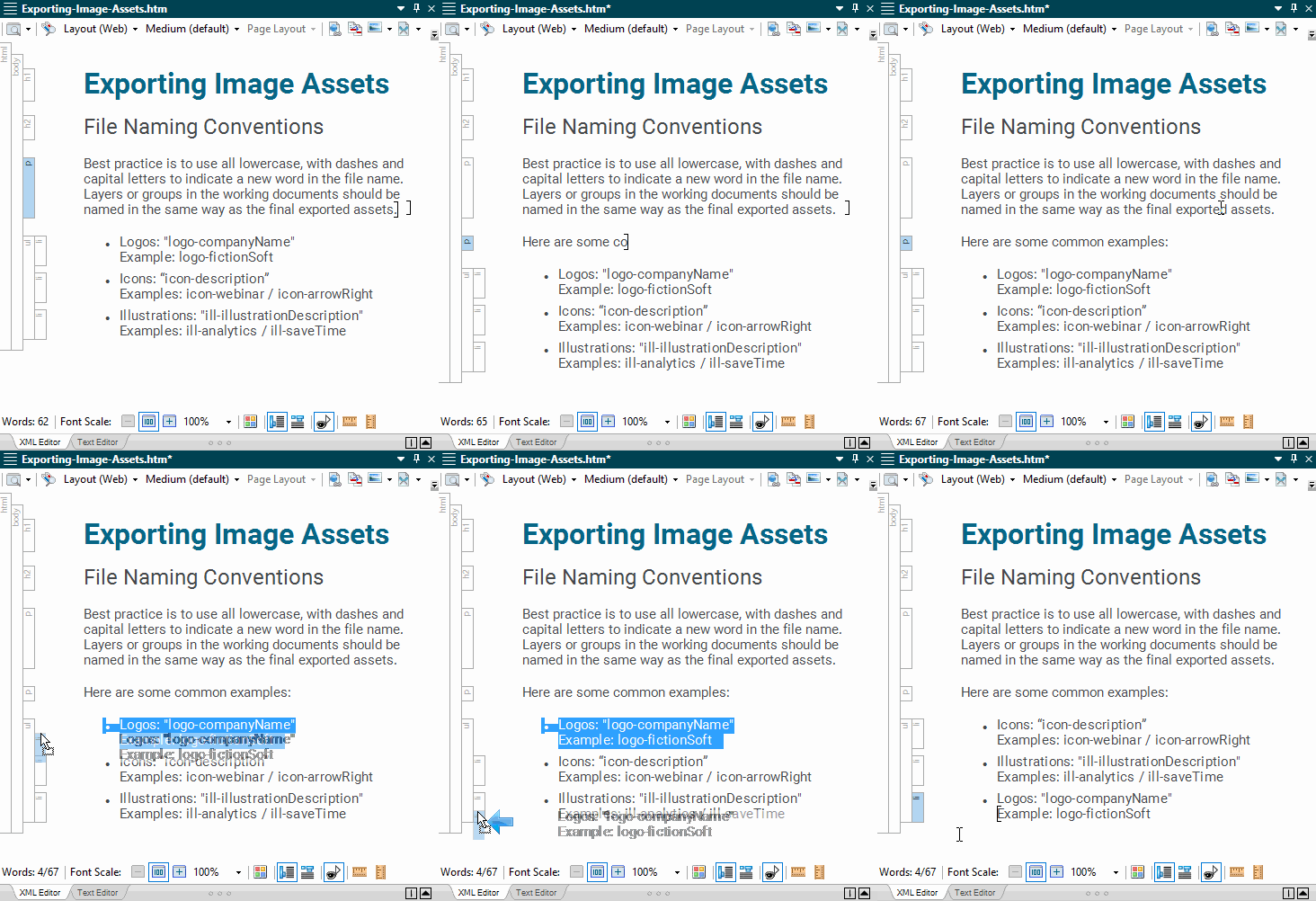
    • Drag and drop content for quick and easy editing
    • Easy SME content contribution and review with MadCap Contributor

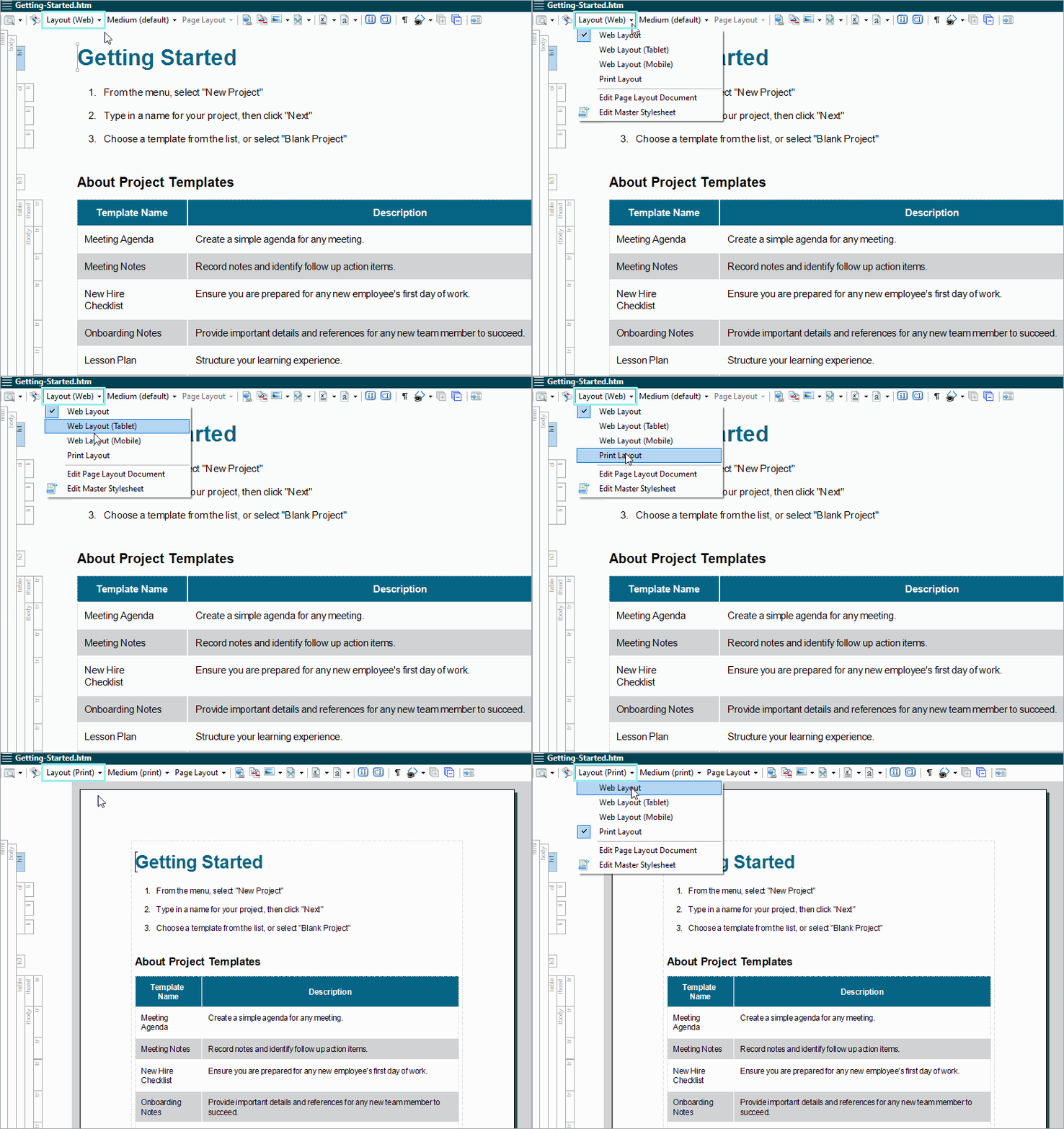
    Edit content in Flare in two different layout modes — Web for traditional layout for online use, and Print for page layout with margins, headers, footers, etc. used for print.

  • Multi-channel Publishing

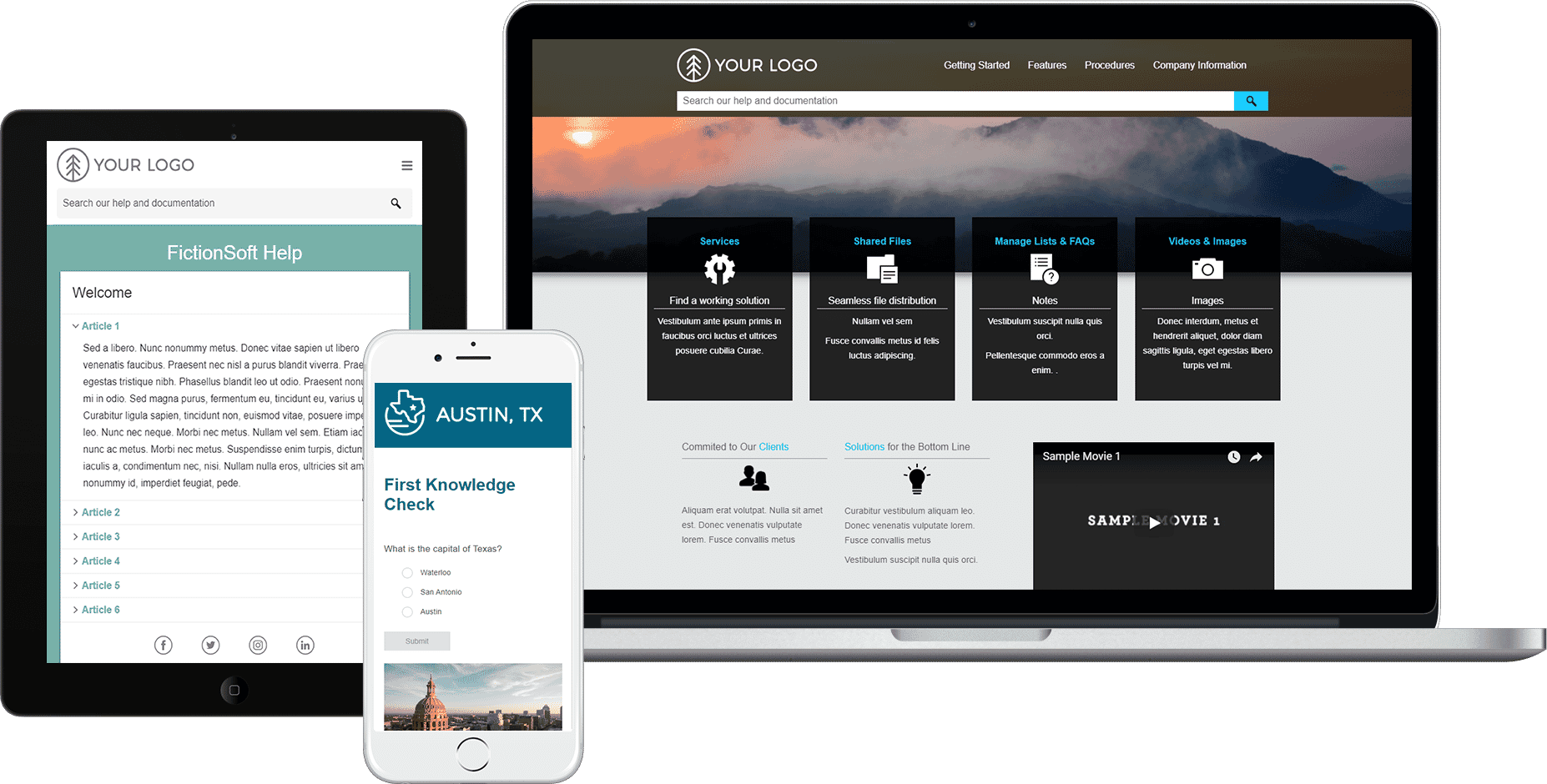
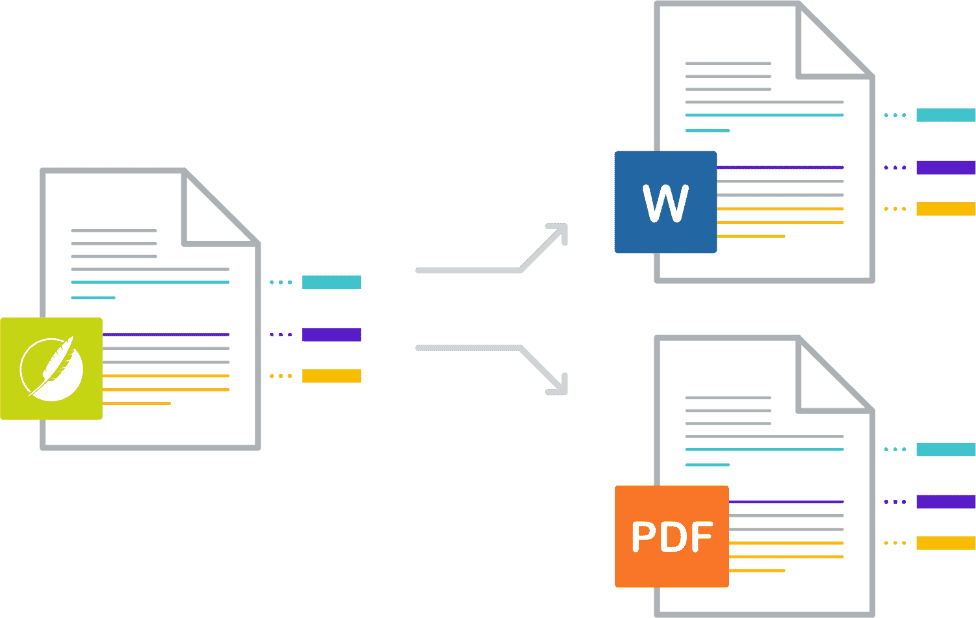
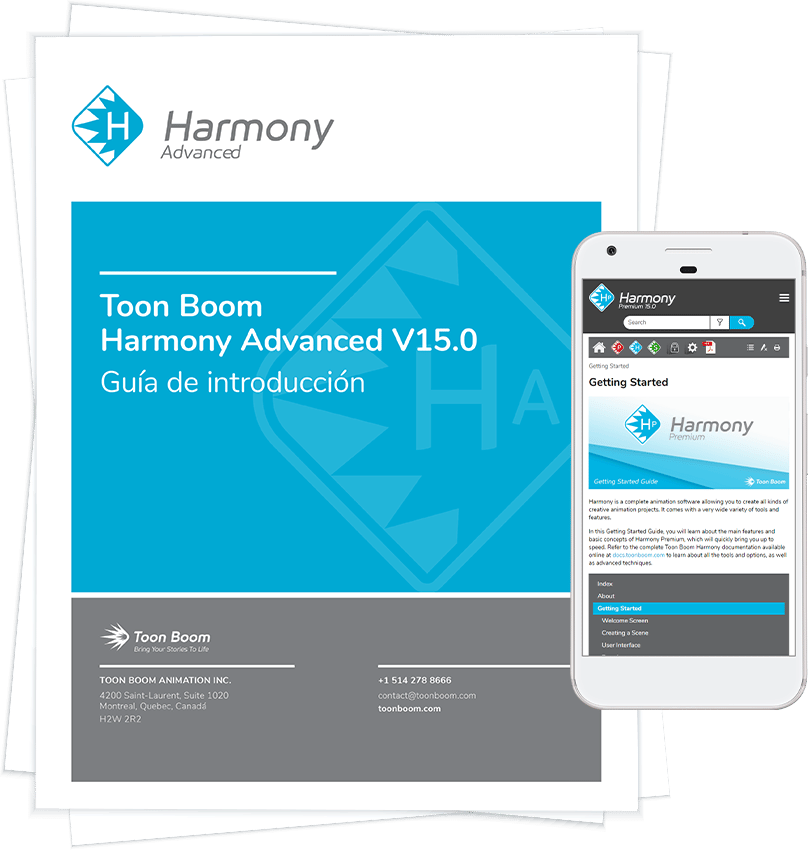
    Publish content to a variety of formats including cross-browser, cross-platform online Help, printed documents such as PDF and Word™, and online Help optimized for mobile devices.

    QR Code

    Use your mobile device to scan this QR code and visit our Mobile WebHelp or click the image to view the mobile version in your browser.

    View More
    Print Online Desktop Mobile
    PDF WebHelp HTML Help ePub
    XPS WebHelp Plus DotNet Help WebHelp Mobile
    Adobe® FrameMaker® HTML5 WebHelp Adobe® FrameMaker®
    Microsoft® Word™ DITA
    DOCX Adobe® AIR
    XHTML
  • Project Management and Collaboration

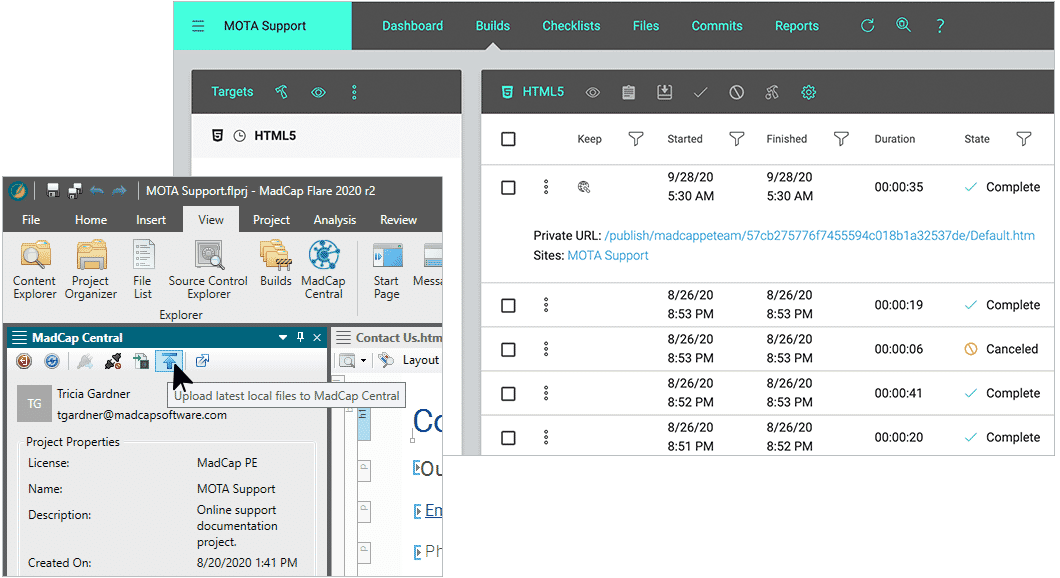
    Flare makes it easier to manage complex projects with advanced tracking and reporting tools. File Tagging allows you to assign tags to topics, files, even folders, within Flare. Assign tags for authors or milestones and generate reports based on the assigned tags.

    View More

    Enjoy close collaboration between authors, subject matter experts and other content contributors with Flare's built-in topic review and contribution features.

    SMEs can utilize MadCap Contributor to make changes and annotations:

    • Reviews: Email topics for feedback and changes directly from within Flare or leverage Flare and Contributor's external resources and SharePoint integration to send review packages.
    • Contributions: SMEs and other content contributors can create new documents and files for inclusion into your documentation
  • Content Management

    Flare allows for full content management capabilities with direct integration and access to Microsoft SharePoint. In addition, Subversion, Microsoft Team Foundation and Visual Source Safe are directly integrated and accessed from Flare, enabling built-in source control for efficient team authoring and collaboration. Not using source control? Flare's external resources feature allows files and folders to be mapped and shared among any number of projects or users.

    View More
    • Microsoft SharePoint Integration: Connect directly to SharePoint servers within Flare to access and edit files from any of your projects.
    • Native Source Control Integration for Apache Subversion, Team Foundation Server and Visual SourceSafe: Native source control support means you no longer need any third-party plug-in to take advantage of integrated source control within Flare.
    • External Resources: Don’t have any content management or source control. No problem- A new external resources window allows you to maintain groups of external files that you want to share among Flare projects and authors.
    • Mappings can be made to any local, network, or SharePoint resource
    • Plus, integration with all industry source control systems that use the MS SCC API interface
  • Cross-product Integration

    Tight product integration across the entire MadCap Software suite of products allows for efficient content creation and streamlined workflow.

    View More
  • Translation and Localization

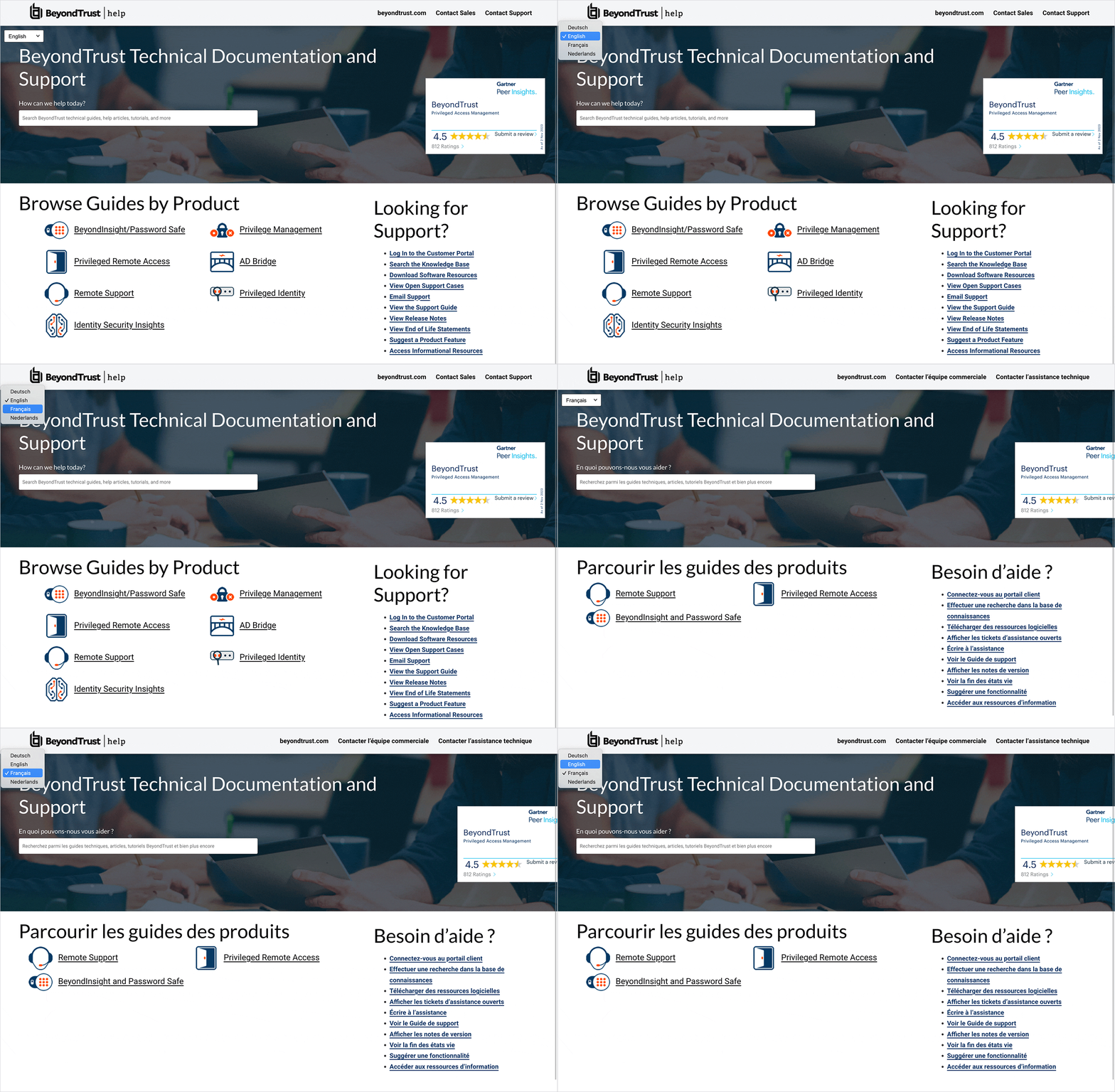
    Language support in Flare is unmatched. Flare supports Unicode language characters, double-byte Asian languages and Eastern European languages, as well as right-to-left languages including Hebrew, Arabic and Persian.

    View More

    Advanced single-sourcing features make translation more seamless in Flare, such as easy access to content, snippets, variables and more. Integration with MadCap Lingo provides unparalleled support for the translation and localization process.

  • Accessibility

    Flare PDF and WebHelp outputs have been improved to help you make your documentation more accessible to users who have visual and hearing impairments, and is therefore compliant with standards such as Section 508 and WCAG (Web Content Accessibility Guidelines).

    View More

    A new Warnings tab appears in the Target Editor where you can enable error messages to appear when your output fails to include information that makes it accessible.

    You can receive warnings when:

    • Image elements are missing alternate text
    • Equation elements are missing alternate text
    • QR code elements are missing alternate text
    • Tables are missing captions and summaries
    • Tables are missing header elements
    • Form elements are missing labels
    • Frame elements are missing titles and names
  • Contribution and Review

    Tight integration with Flare and MadCap Contributor make the content contribution and review process easy and efficient. Authors can utilize the expertise of Subject Matter Experts (SME’s) and content contributors outside the document management team that can edit and review topics, track changes, make annotations, and update content with a simple, easy-to-use interface.

Full Feature List

MadCap Flare™ is packed with features and has been designed to give technical writers, content authors and documentation specialists a versatile XML-based authoring and publishing solution. Flare’s intuitive user interface allows users to easily create and manage content, import legacy authoring projects, and publish to a wide variety of sources, all from a single source document. MadCap Software is passionate about its users, and strives to provide all of the features you have come to expect in a high-end authoring and publishing system, including:

Topic-based Content Development

  • Author in structured, topic-based content development for powerful, sophisticated, information delivery

Maximum Content Reuse

  • Easily create, manage and reuse content with conditional text, variables, snippets, TOCs, style sheets, and more

XML Flexibility And CSS Design

  • Enjoy flexibility with XML (extensible markup language) and control the look and style of your content with CSS (cascading style sheets)

Global Project Linking and External Resources

  • Share and update common elements across multiple projects
  • Direct Microsoft SharePoint integration

Product Integration

  • MadCap Flare allows for seamless integration across MadCap Software’s entire line of software applications.
  • MadCap Pulse for socially-enabled output and collaboration
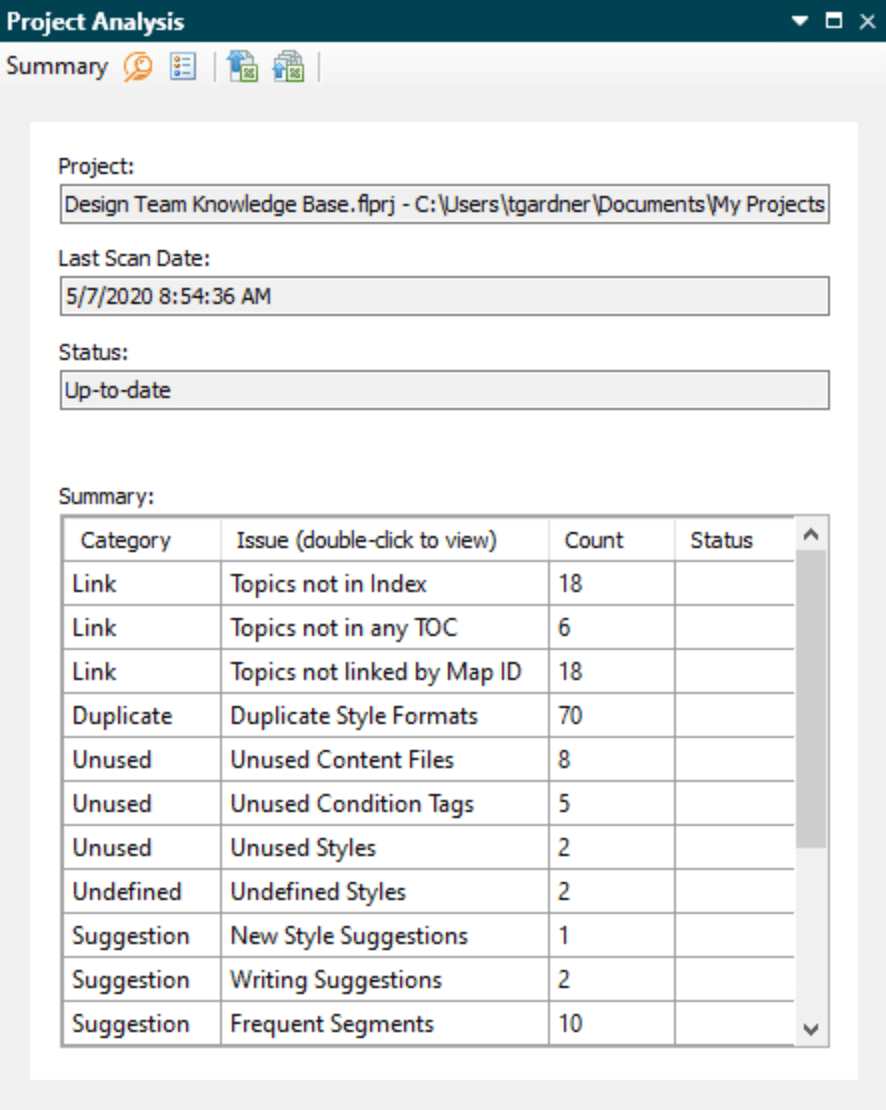
  • MadCap Analyzer scans and analyzes your project for suggestions to improve your project efficiency and consistency
  • MadCap Mimic and Capture provide powerful multimedia publishing integration for your projects
  • MadCap Lingo enables translation and localization
  • MadCap Contributor makes it simple and easy for anyone in your organization to review and contribute content to your documentation

Source Control

Native source control integration, including:

  • Apache Subversion
  • Microsoft® Team Foundation Server
  • Microsoft® Visual SourceSafe

Plus, integration with all industry source control systems that use the Microsoft SCC API interface

Import Existing Content

  • Adobe® FrameMaker® (.fm, .mif, .book)
  • Microsoft® Word™
  • HTML/XHTML
  • Adobe® RoboHelp® projects
  • HTML Help projects
  • CHM
  • DITA

Generate Multiple Outputs

  • Frameless, search-friendly, cross-browser, cross-platform Help (HTML5)
  • Cross-browser, cross-platform Help (WebHelp or WebHelp Plus)
  • Microsoft® HTML Help (.chm)
  • Help for .NET applications (DotNet Help)
  • Adobe® FrameMaker® (.fm, .mif, .book)
  • PDF (no need for Adobe® Distiller, Word™, or other third party applications)
  • Microsoft® Word™ (.xml, .doc, .docx)
  • XPS (no need for third party applications or scripts)
  • AIR (Direct Adobe® AIR integration)
  • XHTML
  • DITA
  • WebHelp Mobile (device agnostic: iPhone, Microsoft Mobile, Palm Web OS, BlackBerry and Android)
  • ePUB (no need for third party applications or scripts)
  • Server side help (WebHelp Plus and HTML5 Help)
    • Faster server-side search
    • Searching of non-XHTML content (Word™ documents, PDF files, etc.)
    • Automatic runtime merging of projects without any in-project work
    • Publish Directly to Sharepoint

Authoring and Usability

  • New UI and Ribbons
  • Split-view XML editor
  • Syntax coloring
  • Auto Suggestion for content reuse, variables, snippets, and more
  • Copy and paste from other applications into WYSIWYG
  • table style editor
  • Text-to-table/table-to-text functionality
  • Track changes workflow
  • Table row sorting and merging
  • Help Controls that output to multiple formats
  • Relation
  • True CHM Import and Remote CHM Linking
  • Local Google Chrome Support
  • Preview of Web Output in multiple browsers
  • Update links when Conditional Tags, Variable and File tags are renamed
  • Sitemap generation for “Web” outputs (WebHelp, WebHelp Mobile, WebHelp Plus, HTML5)
  • Meta Description for topics
  • Export the File List or TOC Grid View to .csv

Print-Based Output Features

  • Choose between Print and Web layout views
  • Page layouts
  • CMYK support
  • Crop and registration marks
  • Create first pages on left or right side
  • Context-sensitive cross-references
  • Footnotes
  • Topic preview for print-based output types
  • Generate headings in output based on TOC structure
  • Heading variables (automatically generate page headers for content, generated glossaries and generated indices)
  • Hyphenation control
  • Mini-TOC for a single chapter or section
  • Short line elimination
  • Widow and orphan control
  • Zoom/scale pages
  • Page breaks on table rows
  • Image resizing with aspect ratio maintained
  • Repeat table captions on each page
  • Advanced TOC, Mini-TOC and Index styles
  • Various Display options for PDF
  • Named destination support

Power and Flexibility

  • Advanced reporting with Analyzer (over 70 project-specific reports)
  • ASPX, HTML, and other custom file extensions for WebHelp output
  • Enhanced Indexing (including index links and auto-indexes, which let you automatically generate index terms based on words or phrases used throughout your project)
  • Supports both raster and vector graphic formats including .xps, .xaml, .wmf, .emf, .ps, .eps, and .svg
  • Context-sensitive Help testing
  • Wildcard search support for DotNet Help

Team Collaboration

  • Incorporate document contributions from others
  • Send topics out for review and accept or reject changes
  • Incorporate/transfer review comments (annotations) into topics
  • Contribution templates (contributors use elements and formatting you want)
  • Locks (choose areas of content that reviewers can and cannot edit)

Multi-Language Support

  • Fully Unicode enabled
  • Double-byte and Asian language support
  • Language support for Eastern European languages
  • Right-to-left language support for Persian, Hebrew and Arabic
  • Seamless integration with MadCap Lingo for easy localization

Single-Sourcing Features

  • Generate multiple targets from one project
  • Variables and Snippets (re-usable text and content)
  • Single-sourcing of images
  • Conditional text (at all levels)
  • Style sheets for topics and tables
  • Easily synchronize with Word™ or FrameMaker® documents
  • Global Project Linking — share and update common elements across multiple projects
  • Master style sheets
  • Master TOC at project level

Ease of Use

  • Auto-numbering
  • Visual document structure display
  • View and edit multiple docs simultaneously
  • Command line compiling with error codes
  • Drag-and-drop table columns and rows
  • View, filter, and access all files from a single list
  • Disable styles that you do not use
  • Auto-suggestion for approved phrases, variables, and snippets
  • Zip and email projects
  • Project toolbar for easy access to common tasks
  • Style pick window (quick way to apply styles)
  • Open files by dragging from Windows to Flare
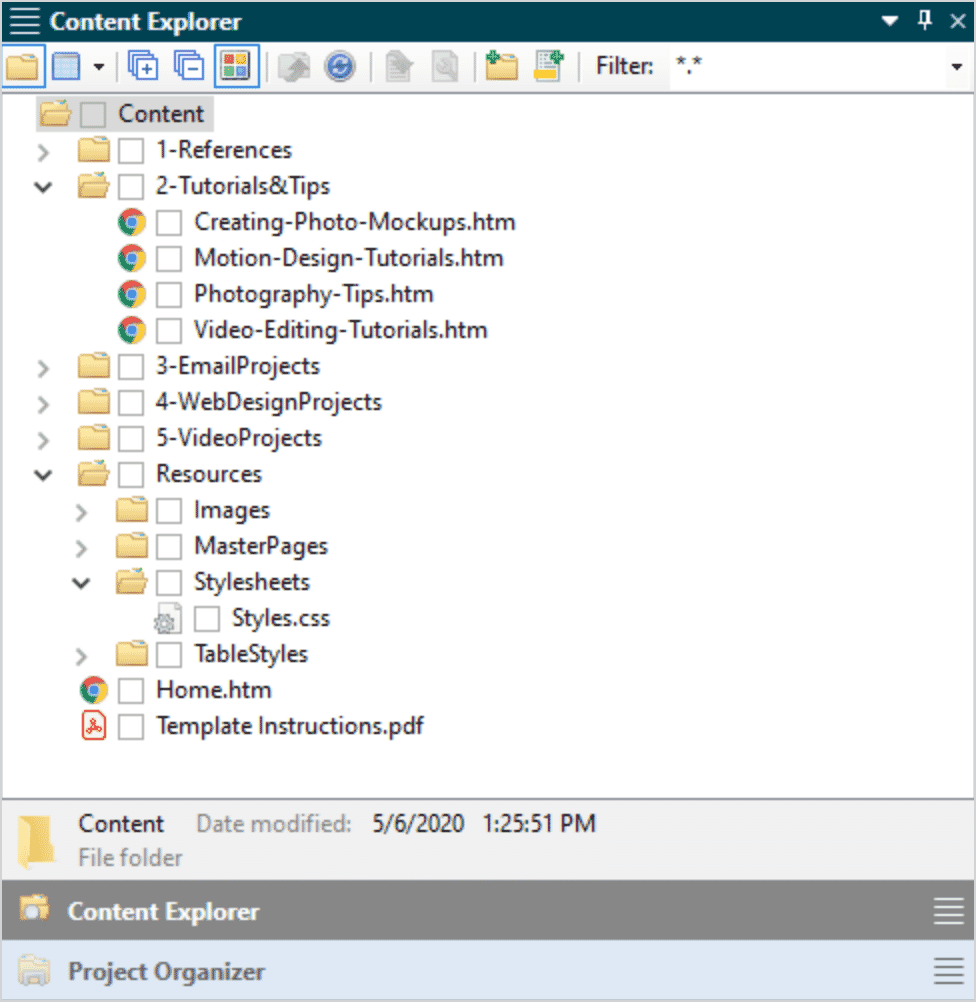
  • Insert snippets by dragging from Content Explorer
View Full Feature List
View More Resources

Additional Software Licensing Options

In addition to our standard single named-user perpetual license, we are pleased to offer:

Subscription Licenses

  • Available for Flare, MadCap Contributor, MadCap Lingo and Mimic
  • 3 months (does not include Flare or Contributor), 6 months and 12 months subscription available
  • Includes free product upgrades and updates, and unlimited email support (bronze level maintenance) for the duration of your subscription

Multi-user Perpetual Licenses

  • Available for Flare, MadCap Contributor, MadCap Lingo, Analyzer, Mimic and Capture
  • Install software on multiple computers using a single license key
  • No registration required for each user
  • Completely flexible – add any number of users at any time using the same license key
  • No internet connection required (product can still be used when disconnected from internet)

Floating/Enterprise Licenses

  • Available for Flare, MadCap Contributor, MadCap Lingo, Analyzer, Mimic and Capture
  • Unlimited installations/activations across company
  • Floating license includes bundled maintenance (1, 2 and 3 year contract available)
  • Completely flexible – add any number of users at any time using the same license key
  • Can be installed on a network server and accessed remotely by users
  • Internet connection required to use software

Subscription, Multi-user and Floating license cannot be purchased online at this time. Please contact a MadCap Sales Representative.

Contact Sales
"I have been a Technical Writer for over 20 years now, and Flare is the best Help Authoring Tool that I have used."
Greg Birkenbeuel | TENG
"The mobile target is styled like an iPhone app, and is a great way for me to deliver content to our customers who are on the go, but who need access to our Help content"
Paul Pehrson | Doc Guy Training
"Thank God for the developers at MadCap for providing the most agile XML-based authoring tool on the planet."
Jim Corbin | BIO-key
"MadCap Flare is giving us state-of-the-art capabilities while offering the lowest cost of ownership of any authoring software we've seen on the market"
Harold Gross | Caradigm, a Microsoft | GE Healthcare Company
"Flare is already the best information development tool out there, and now it's the leader of the pack in accessibility."
Eddie VanArsdall | VanArsdall InfoDesign
"We were using FrameMaker, RoboHelp, ePublisher; now using MadCap Flare as our single-source authoring tool and haven't regretted the decision for one second.."
Larry Cartolano | Manager of Technical Publications
"Flare is much easier to use, more intuitive and more powerful (and it seems more reliable and flexible) than any of the tools I have used so far, and I've used quite a lot."
Donagh Brennan | Technical Writer, Tektronix
"Flare is off the charts, so much better than any other writing tool I've used. Keep at it! I believe it 's the best on the market.."
Kathi Hennebry | Senior Technical Writer, Cymphonix
"Flare has truly made a big difference to our documentation production. The quality has jumped dramatically."
Stephen Tearle | Thinking Windows

For general inquiries:

For sales-related inquiries:

For customer service inquiries:

Copyright © 2005-2013 MadCap Software, Inc. Use of this website signifies your agreement to the Terms of Use. Certain MadCap technologies included in the Software are protected by the following U.S Patent: 7,934,153