






AUTHORING
MadCap IXIA CCMS makes it easy for technical writers to do what they do best: create high-quality, accurate content.
Advanced Writing – Quality Content – Professional Tools – Agile Docs – DITA Authoring
Built with the oXygen XML Editor, our product simplifies each step of the process, including authoring, collaborating with other authors or SMEs, and reviewing content with editors. Key features include Track Changes Review and Collaborative Review.

Built-in Professional Writing Features
With the popular oXygen XML Editor built-in, IXIA CCMS has everything you need to start working right off the hop. DITA technical writing is made more efficient with the features of this editor. While new writers can take advantage of the Word-like Author mode, experienced technical writers benefit from the tag-level precision of Text mode. The product includes spell-check, on-the-fly XML validation, and other powerful features.
Whether you’re a novice or expert DITA-based content creator, we’ll have you producing quality content and technical documentation from day one.

Collaborate with Peers
With robust workflow and search capabilities, our product makes it easy for writers to find content for reuse, and route it to editors, SMEs, and other reviewers prior to translation or publication. Our Word-like web interface hides the complexity of DITA, enabling anyone to create DITA-based content, regardless of XML knowledge. Advanced features in the integrated desktop and cloud environments provide writers the ability to find topics for reuse and manage them among team members. Collaborative reviews with context maps allow your teams to review content with full context for accurate reviews.
Collaborate and share reusable content with your peers.

Version Management
Losing content is a thing of the past. IXIA CCMS automatically tracks all revisions and comments and allows you to manage objects in editable branches under specific conditions. Simplify your content management by securely deleting objects that are no longer needed, while maintaining full control with version tracking and permissions. Revert to previous revisions, use a diff compare tool to highlight differences between revisions, or take advantage of the IXIA CCMS Snapshot feature to record the state of an entire document at a specific point in time.
If on the fifth rewrite you realized the first version was the best, you can easily revert content. Full audit trail capabilities are also provided.

Advanced Writing Features
To improve the overall quality of your content, use Schematron within oXygen XML Editor to enable in-house style rules. To get a better handle on content production metrics, check out our variety of built-in tools based on DITA best practices.
Improving and measuring content quality has never been easier.

Boost Content Quality and Productivity with AI
Refine your content creation with the Oxygen Positron AI Assistant. AI Positron enhances grammar, style, and content quality, providing real-time suggestions directly in the Oxygen XML Editor.
AI Positron assists your authors in producing error-free, polished, engaging documentation efficiently, ensuring your work meets the highest standards. Reduce the effort on repetitive tasks, improve content analysis and overcome writer’s block directly within the XML Editor.
Optimize Content with AI Positron Assistant.

Lightning-Fast Content Search and Replace
Regardless of content repository size, IXIA CCMS provides incredibly fast search results, eliminating the headache of sifting through old content and legacy DITA projects for reuse. With the ability to quickly find and replace text strings across multiple documents, content updates are streamlined and efficient. Extensive metadata associated with each topic allows your team to find content written by individual SMEs or other contributors, content produced in a specific time frame, content produced in other languages, and much more. The Search and Replace functionality ensures that updates can be applied consistently across all your content, maintaining accuracy and saving valuable time.
Finding reusable content faster means you’ll have more time to craft new, brilliant content. There’s no time to waste!
Other Features
- Advanced DITA Map editor
- Dependencies View
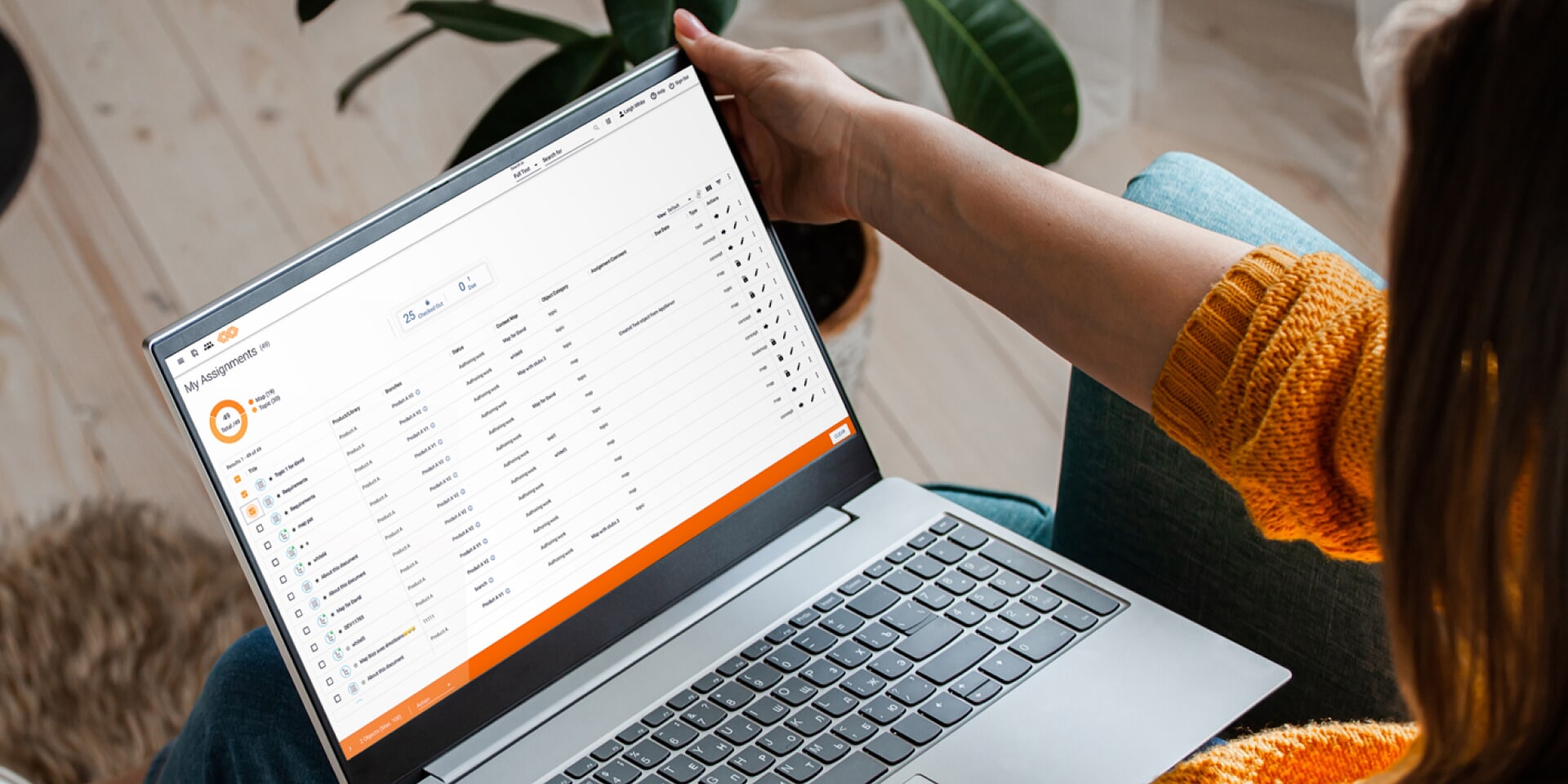
- Task assignment
- Image management
- Support for MathML
- Red line compare
- Easily browse images—including SVG—for insertion into documents
- Associate non-DITA source content (Word, FrameMaker, image sources, etc.) with DITA content for reference
- Works with any version of the DITA Open Toolkit (DITA-OT)