When working out of a limited authoring environment such as Microsoft® Word, you might be used to adding in manual page breaks. However, if you have ever changed that document later, you might find that manual page breaks can be a nuisance due to content changing. In MadCap Flare, there are several reasons that content will change due to the nature of Flare’s single-sourcing tools (Variables, Snippets, Conditions, Variable Conditions, Snippet Conditions, etc.) as well as the nature of topic-based authoring (topics may be removed or rearranged). So having a manual page-break in topics is a no-no.
An example of this below:
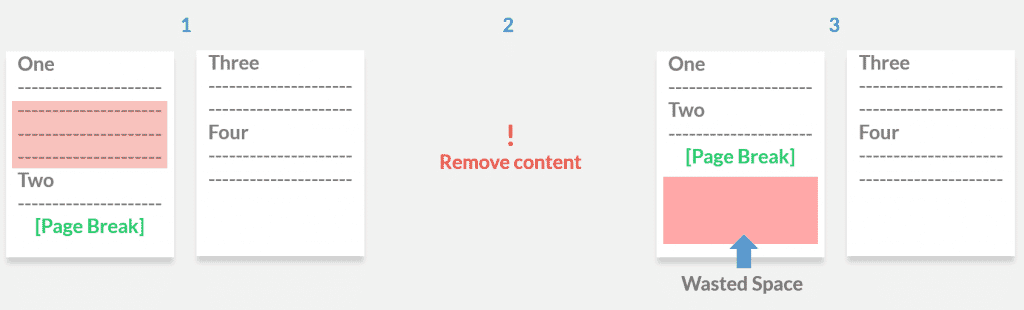
So what’s the best practice to controlling page breaks? My recommendation in Flare is to group items together and essentially tell Flare, “Everything within the selected group should not page break.”
Here’s how to do this in Flare.
We’ll do this using “divs”. Divs are used to group block-elements to format them with CSS.
I’ll create a div with a style class. While I called mine “nopagebreak”, you can name yours whatever you like. Once you’ve created the element, apply the correct styles. In the stylesheet, set “page-break-inside: avoid”.
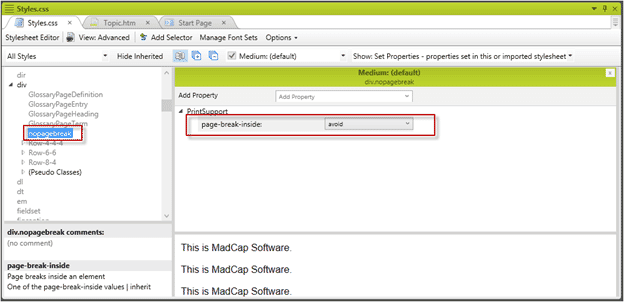
Once the div class is created in the stylesheet, wrap the div around elements that should remain together.
In order to wrap content in a div, take the following steps:
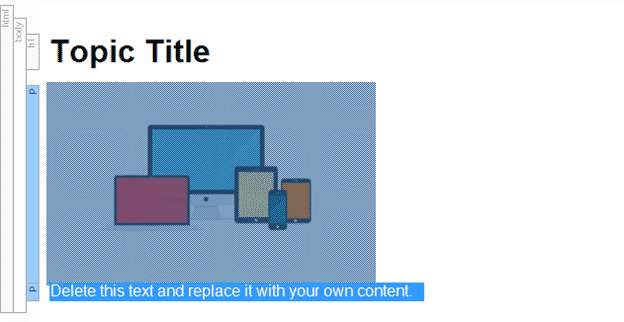
- Select all the items to be wrapped in a div.
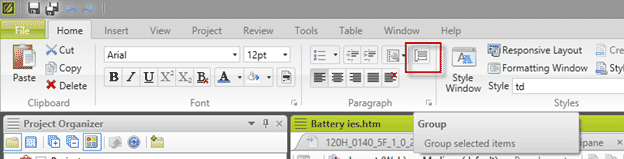
- Press the “Group” button. (Home Ribbon > Paragraph Section > Group Button). Alternatively, you can press the “Tab” Key for the “Create Group” shortcut.
- A new window titled Create Group will appear. Select the div tag you’ve created.
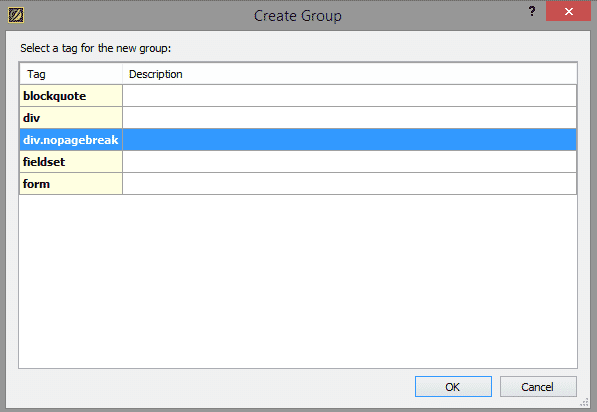
- Press “OK”.
Now, elements wrapped in this div should avoid breaking across pages, and be ready for any of the changes from single-sourcing that may occur in documents.
Divs are a useful tool, and the applications go far beyond using them for page-break behavior. Other properties can be applied to divs such as background-colors and borders if you needed to group content together to create "note" boxes. Another suggestion is to use divs to control content for responsive designs. If you have any questions about divs or want to see this in action, please comment below.