





No matter how you want or need to create content, we've got you covered.
Regardless of your authoring preference or company requirements, MadCap has the right solution for you.

Boost Your Competitive Edge With Content
Unified Content Delivery & Knowledge Platform

Syndicate
A single governance and LLM-readiness platform to manage, analyze and publish all content to create a personalized AI-enabled user experience
Technical Documentation


Flare Online
Topic-based authoring, collaboration, hosting and analytics

IXIA CCMS
Enterprise-class Component Content Management System (CCMS)
Workforce Training & Development
Create
Enterprise-class Learning Content Management System (LCMS)

Topic-based Authoring and Publishing
Maximize content reuse and streamline the creation of technical documentation and learning & development programs.
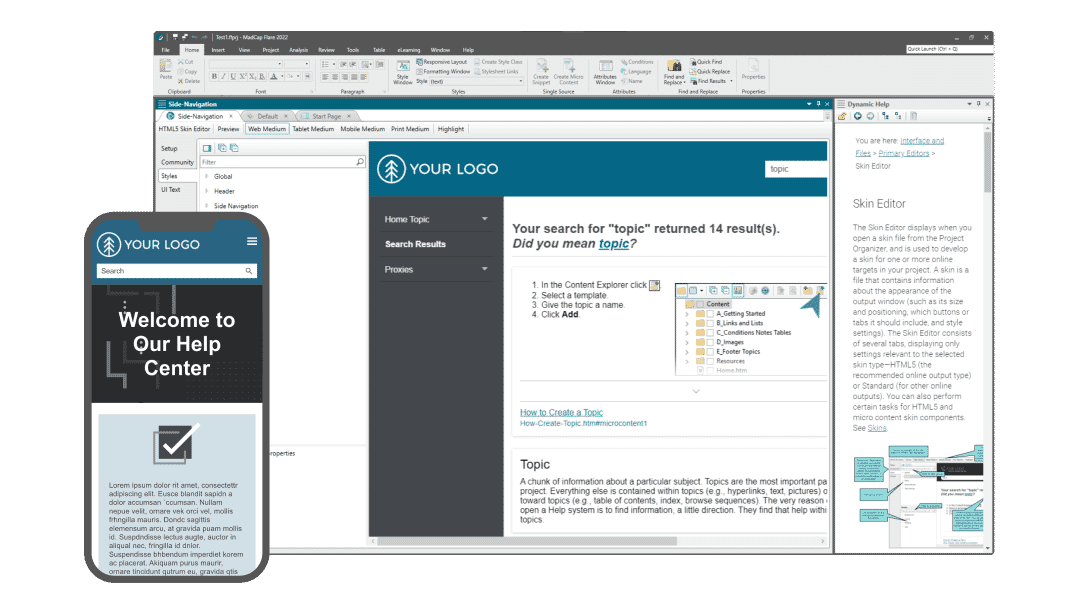
- Authoring flexibility:
Less- structured authoring and content creation (still topic based); with built-in easy to use WYSIWG Editor - Up and running instantly:
No consulting or services required, instant product download. - Leverage existing content:
Drag-and-drop import of multiple file types, Word, Markdown, Confluence, FrameMaker, etc.
- Integrated cascading stylesheet (CSS) editor:
For full customizability and control over formatting of published content - Multi-channel publishing capabilities:
Out-of-the-box robust single source authoring with maximum content re-use by small or large teams

I evaluated MadCap Flare and found it was the most flexible platform using up-to-date modern web standards. The quality of published resources and the webinars and conferences from MadCap Software, and the fact that I enjoyed using Flare made it the obvious choice.

Tony DzumagaTechnical Author | Apteco

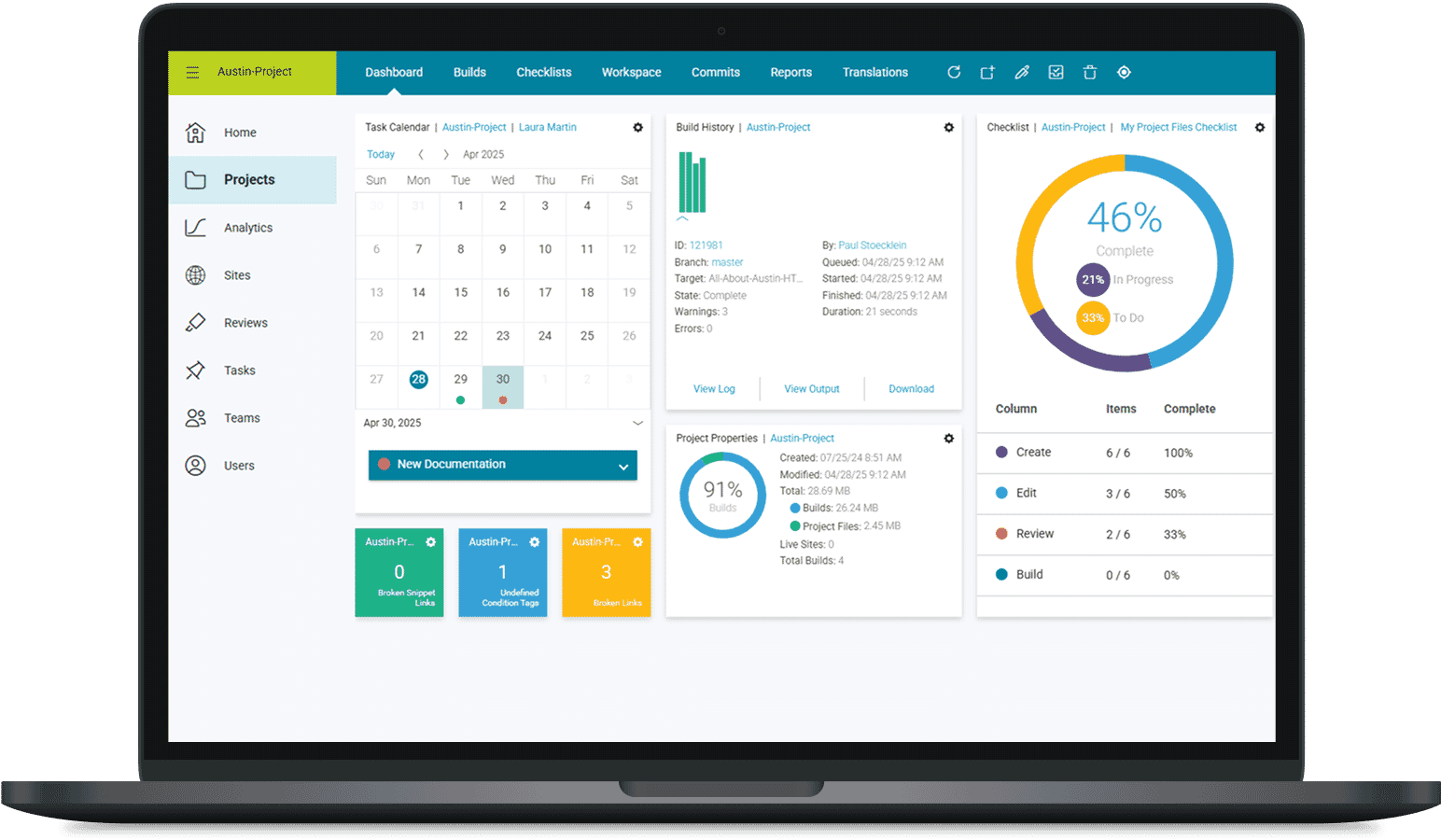
Flare + Cloud-based Project Management, Collaboration, Hosting, Analytics
Deliver superior content experiences for your customers and employees with the leading platform to support your entire content development lifestyle.
- Includes MadCap Flare + Hosting and Deployment
No need for additional IT resources. Host and deploy content (both public and private sites- login required) with ease including Single Sign On (SSO) capabilities, custom URL’s build scheduling etc. - Project and Task Management Manage teams, tasks and Authoring process:
Customize your executive dashboard with widgets for quick and easy access to calendars, teams, build history, cloud document storage usage, project properties, and more. - Translation
Make translation efficient with advanced tools and workflows to manage large-scale projects.
- Cloud based SME authoring and review:
Allow anyone in your organization to review and contribute content with a streamlined cloud-based workflow. - Advanced Analytics
Gather actionable user analytics on your public, private or in-product content to gain valuable insight into how your users interact with and consume your content for a continuous improvement process. - Publishing Integrations
Connectors for Zendesk, Salesforce and ServiceNow integrations
Providing secure password-protected access for viewers and SMEs to our Flare-generated content hosted on MadCap Flare Online (formerly MadCap Central) has been a game changer for us. We are now more efficient and self-reliant as a team, eliminating dependencies on our internal IT departments.

Patrick FueldnerTech Lead | Technology Learning Center, Nestlé Information Technology

Enterprise-class Component Content Management System (CCMS)
Create and deliver personalized content to customers when and where they need it with MadCap IXIA CCMS
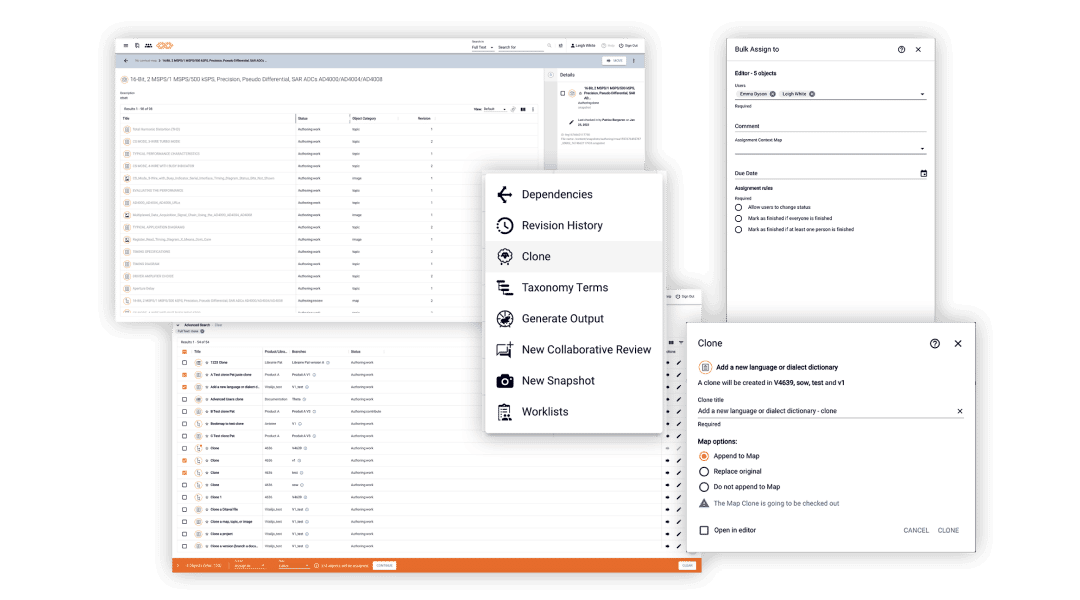
- 100% DITA Compliant
Strictly enforced structured approach to authoring - Web based
Contribution, review and approval features; in addition to advanced web authoring - Highly scalable
Any amount of content and authors - Strictly enforced structure
Enables maximum interoperability with other systems
- Highly configurable
Complex release and lifecycle management - Dynamic Release Management
Complex release lifecycle and workflow management - Compliance / Auditing
Full Traceability and audit tracking capabilities - Robust content reuse
Across any disparate projects, files and content types contained within the CCMS
With IXIA CCMS, the time it took to create our manuals was reduced considerably. Our technical writers no longer had to work with 10 different manuals and workflows and this represented an efficiency gain of 30% for our most popular product.

Jouni LehteläSenior Technical Documentation Specialist | Metso

Enterprise-class Learning Content Management System (LCMS)
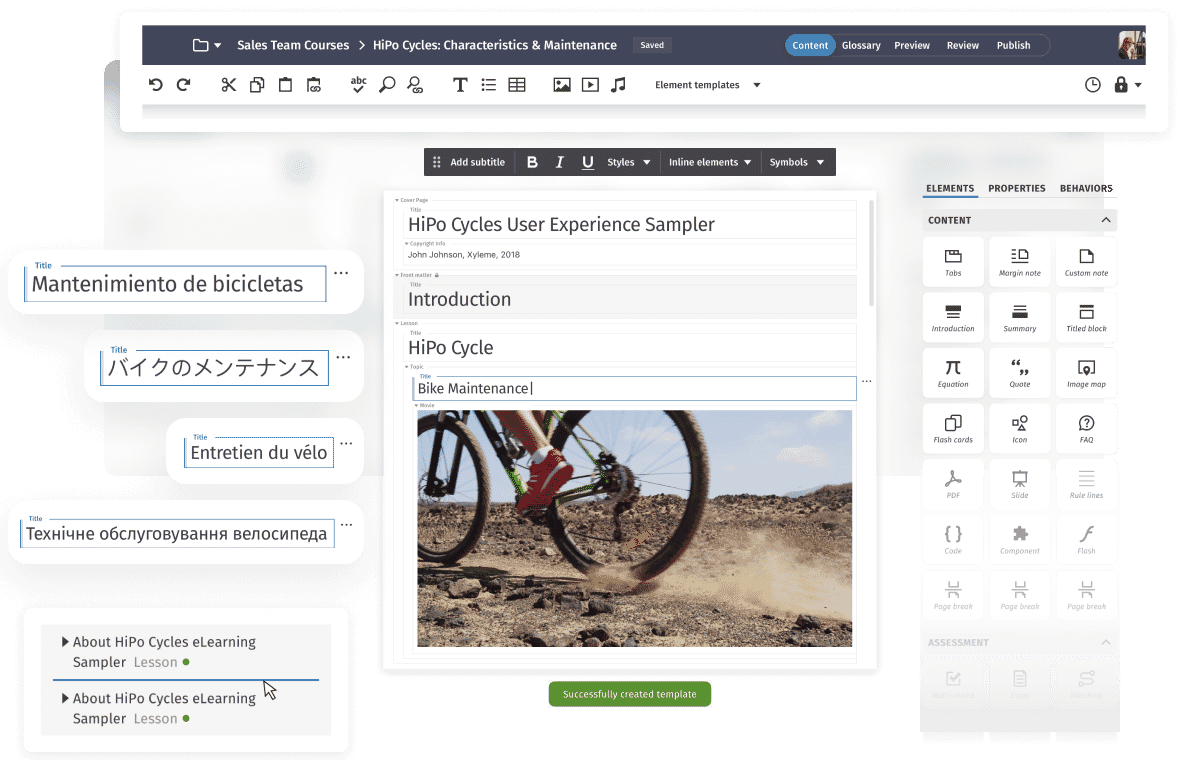
MadCap Xyleme is the most trusted intelligent LCMS platform for the development, management, delivery, and syndication of content, at scale.
Add-Ons for MadCap Flare



Integrations
MadCap Connect for Salesforce
Explore Now
MadCap Connect for Zendesk
Explore Now
MadCap Connect for ServiceNow
Explore NowAdd-Ons for MadCap IXIA CCMS

AI Positron for IXIA CCMS
Explore Now
CCMS-Flare Online Connector
Explore Now
Localization Packs
Explore Now
Staging Environment
Explore Now
oXygen WebHelp for IXIA CCMS
Explore Now
Miramo for IXIA CCMS
Explore Now
Congree for IXIA CCMS
Explore NowContact our team
Not sure what plan is right for you? Our team of experts are available to answer your questions, provide a personalized quote, or schedule a private demo.